EasyManua.ls Logo

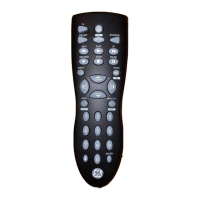
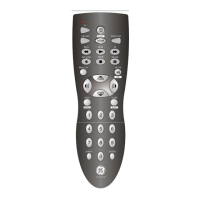
GE RM84911 - Using SHIFT

GE RM84911
58 pages
Print Icon
To Next Page IconTo Next Page
To Previous Page IconTo Previous Page
Loading...
9
Using Your Remote, cont.
For MENU, press and release
SHIFT/SETUP
then
MENU/INFO
.
For OK, press and release
SHIFT/SETUP
then
OK/MUTE
.
For EXIT, press and release
SHIFT/SETUP
then
EXIT/
SLEEP
.
For Up, Down, Left or Right
Navigation, press and release
SHIFT/
SETUP
followed by the respective
Using SHIFT for Menu and Navigation
The
SHIFT
button allows access to more than one
function for certain buttons.
Use the
SHIFT/SETUP
button prior to accessing
the
MENU
,
OK
,
EXIT
and Navigation functions
e.g.:

Related product manuals