0150-0193G 13 DVMRe Triplex
Pin 1: Not Used.
Pin 2: Audio Out.
Pin 3: Ground.
Pin 4: Audio In.
Pin 5: Ground.
Pin 6: Not Used.
Pin 7: Ground.
Pin 8: Not Used.
Pin 9: Ground.
GND: Ground.
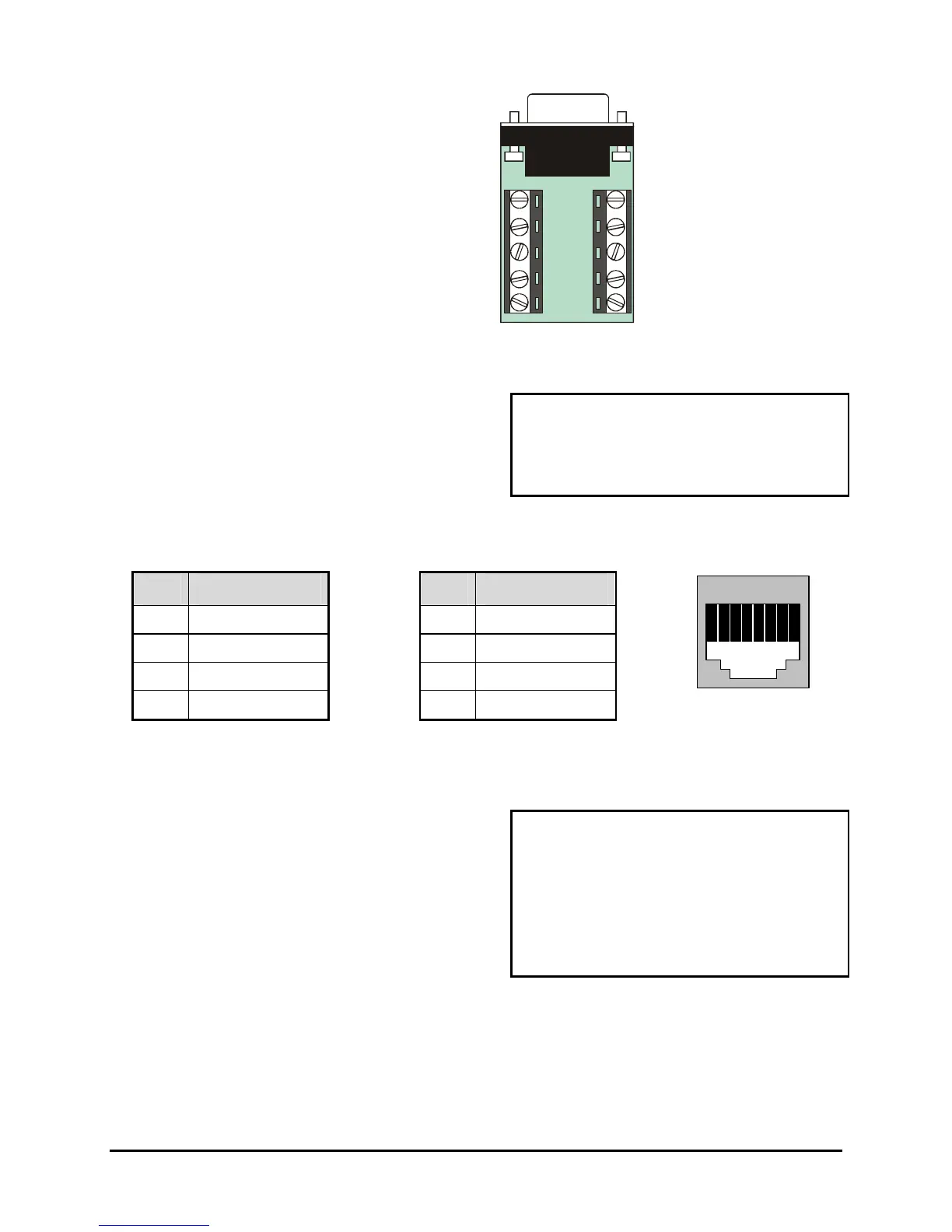
Accessory PCB
RS485 Connector
Wire Type:
#24 AWG, twisted pair with shield
(2-wire)
Connector Type: RJ-45
Max. Cable Length: 3200 feet / 1000 meters
Shields are grounded at one end, preferably at the
DVMRe
Triplex.
See section 3.17 for information about configuring
the RS485 network address settings in the menu
system.
RJ-45 Pin Configuration For RS485 Port
Pin Use
Pin Use
1 Ground (Shield) 5 Not Connected
2 Not Connected 6 Network -VE
3 Network +VE 7 Ground (Shield)
4 Not Connected 8 Not Connected
82 3 4 5 6 71
RJ-45 socket on
back panel.
Ethernet Port
Wire Type: Cat 5
Connector Type: RJ-45
Max. Cable Length: 100 meters / 328 ft.
Min. Cable Length: 6 feet / 1.8 meters
Hub Wiring Configuration: Straight Through
PC Wiring Configuration: Cross Over
The cable connection configuration depends on your
network configuration:
• For a DVMRe Triplex that connects directly to a
Hub or Switch, use a straight through connection.
• For a DVMRe Triplex that connects directly to a
PC, use a cross over connection.
Consult with your MIS personnel for the specific type
of configuration. See section 3.17 for information
about configuring the ethernet settings in the menu
system.



 To Next Page