0150-0193G 72 DVMRe Triplex
5.3 Motion Search
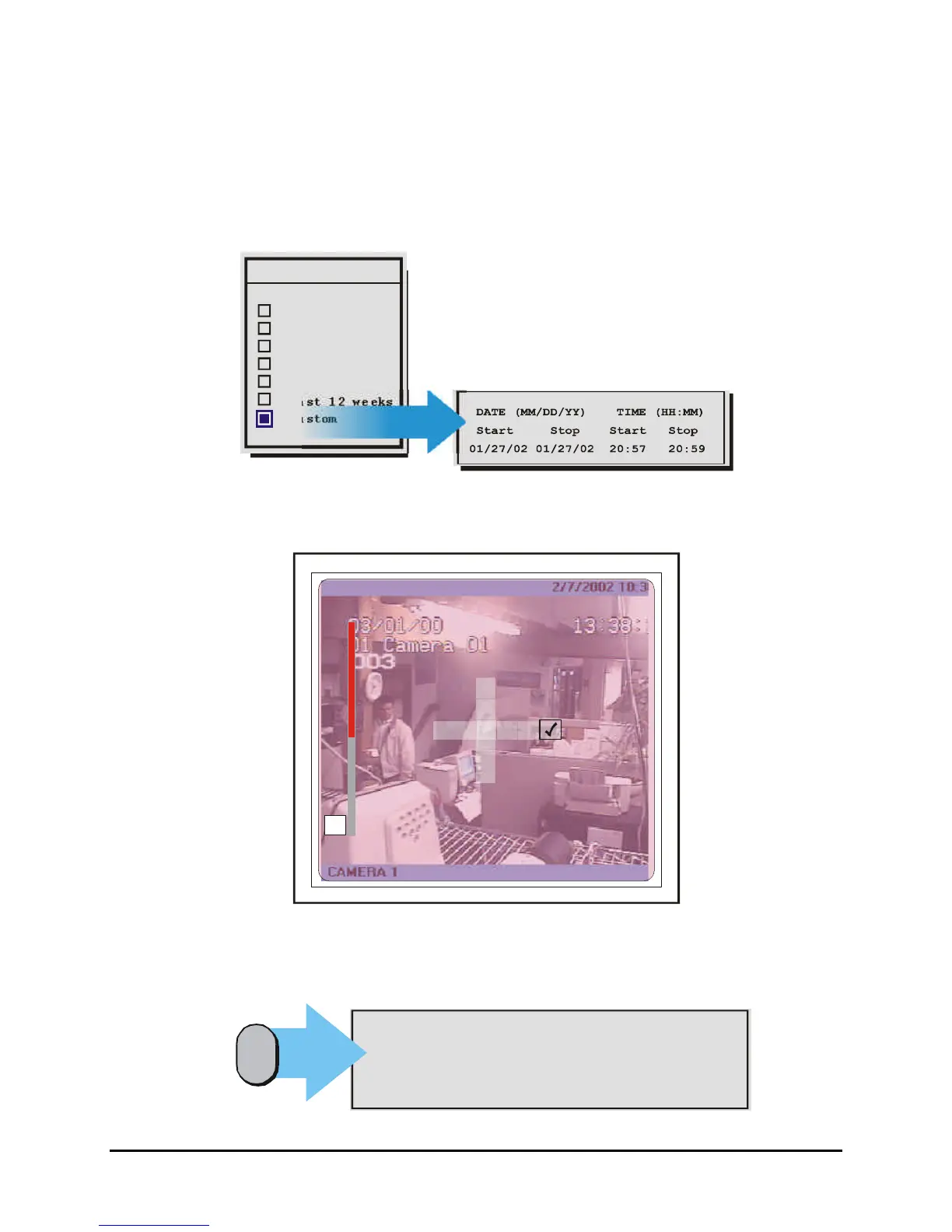
Pressing the Search button a second time will bring up the Motion Search menu. This menu performs a
motion search with six preset time parameters and a custom search option. Rotate the Jog to navigate
and the Shuttle to select a specific parameter. Selecting the Custom option and pressing the Enter
button starts playback and brings up another window with Start/Stop, Time/Date options. These options
provide the parameters to focus the search to a specific time period.
Motion Search
Last 2hrs
Last 8hrs
Last day
Last 7 days
Last 4 weeks
Last 12 weeks
Custom
X
Selecting any of the other options and pressing Enter starts playback and displays the Motion Search
Setup Screen.
5
This screen overlays the current playback video and allows the user to enable or disable motion
detection on the screen within blocks that form a 16 x 16 grid.
Pressing the Function key while in this screen overlays a help screen with all the available
commands.
‘MENU’ : Exit Activity Setup
‘ENTER’: Save and Exit Activity Setup
‘PAUSE’: Toggle between Enable and Neutral
‘STOP’ : Toggle between Disable and Neutral
‘ZOOM’ : Disable/Enable all zones
Function
{F}



 To Next Page