0150-0193G 55 DVMRe Triplex
q Main Menu → Camera Setup → Camera Scope
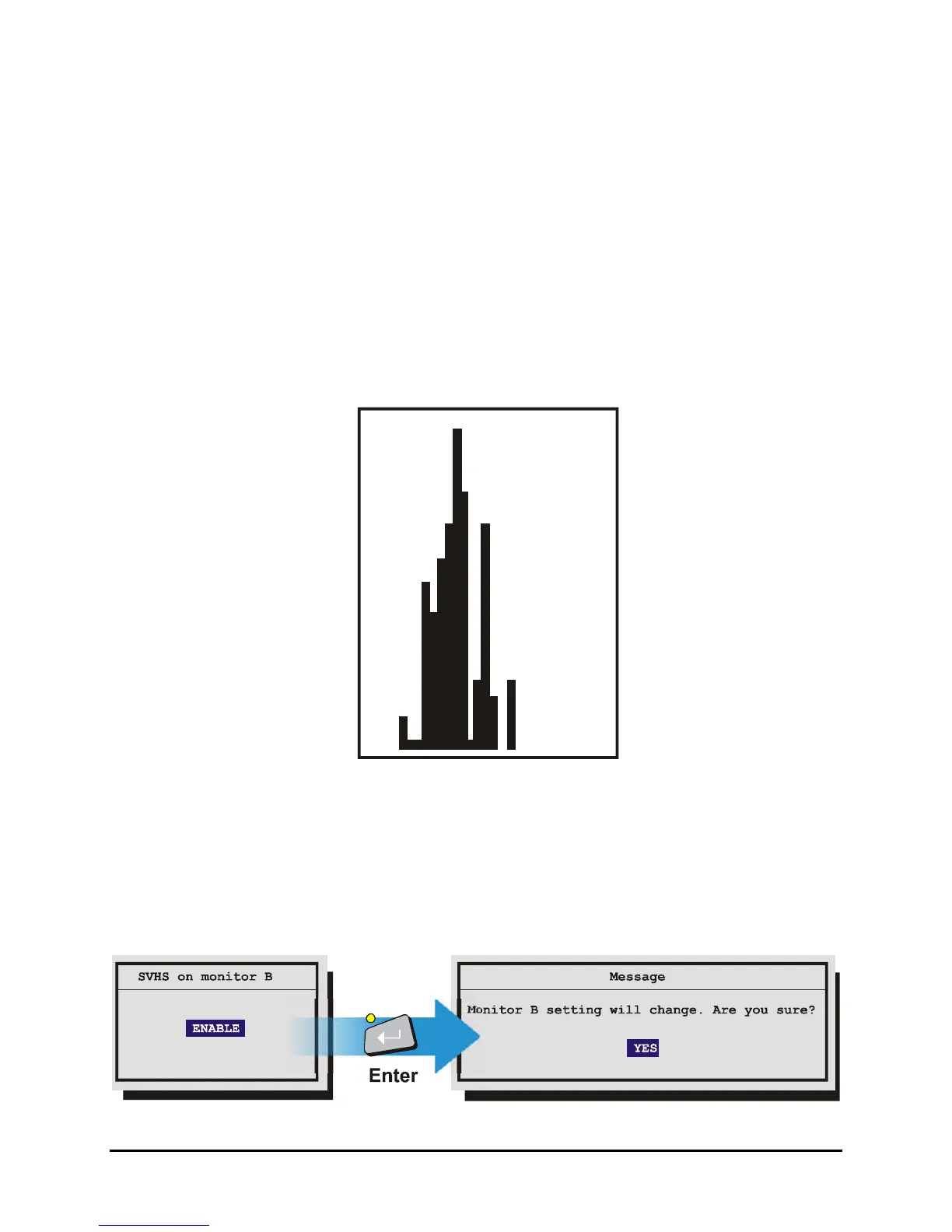
Use this menu to view a live luminance histogram of the currently displayed camera.
Luminance Histogram
A Luminance Histogram is a graphical representation of how many times each gray-level value occurs in
an image.
Use this feature to analyze and optimize the video input signal.
Black
0
%L
White
q Main Menu → Camera Setup → MonB SVHS
Use this menu to enable or disable SVHS output on Monitor B. Select Enable or Disable from the menu
and press Enter. A confirmation screen will appear. Select from Yes or No and press Enter. The output
of monitor B will change immediately.



 To Next Page