How To Use
8. Automatic lock
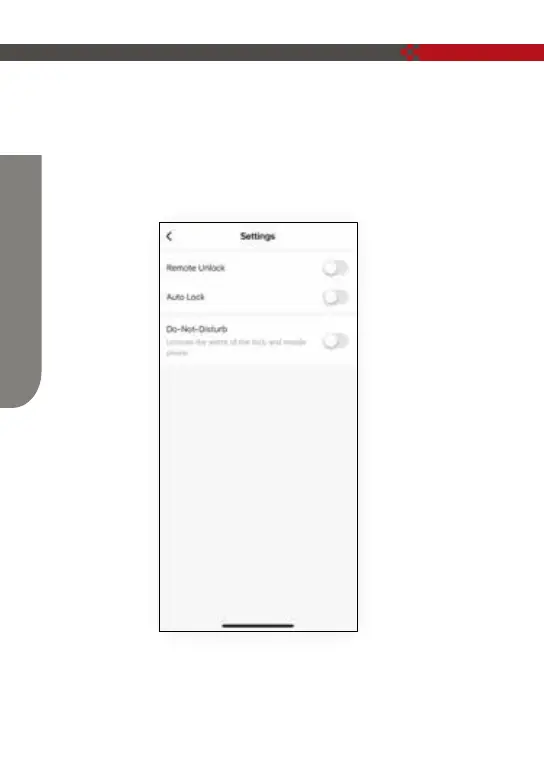
Settings→Auto-lock (icon is on), it can be automatically locked after the delay
time; Auto-lock (icon is off), fingerprint or mobile phone APP will not be
automatically locked after starting (normally open), continue APP It will be
automatically closed after it is automatically locked (the icon is turned on)
and unlocked with a fingerprint or mobile phone APP.
Note: Other operations are performed according to the prompts on the mobile APP
interface.
15


 To Next Page