7
Add Bluetooth to APP (GEEK SMART)
1. App Download Instructions
A. Scan the OR code to the right you can use Android and
iOS to download the APP.
B. Android version software can be downloaded in
the Google Play store. Search "GeekSmart".
C. iOS version of the software can be downloaded in the iPhone App Store.
Search "GeekSmart".
2. Register and log in with your mobile phone number.
3. Press the "+" to add a device, find "Smart lock " and record "K01", click and
follow the prompts to complete the device addition and use. (Note: Touching
the fingerprint head on the APP and the lock link is faster to wake up the
Bluetooth. After the link, the administrator fingerprint should be added to the
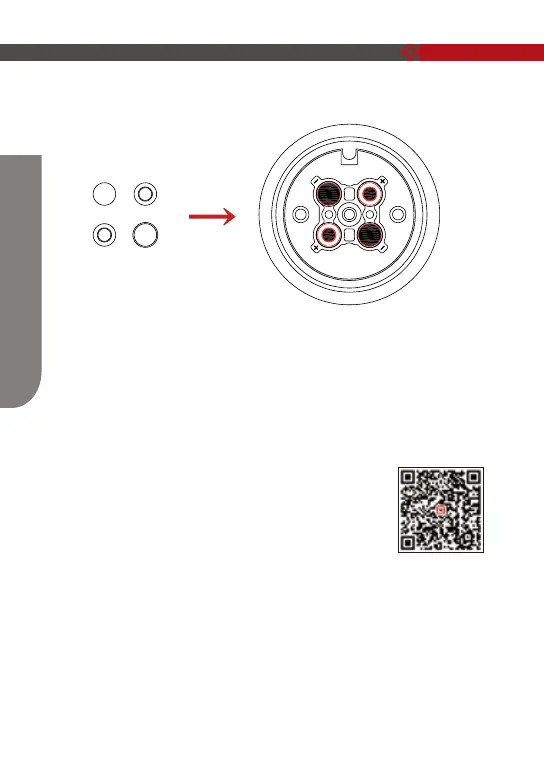
5. Install the battery cover as shown in step ⑦;
+
+
-
-
How To Use


 To Next Page