8
LCD Description
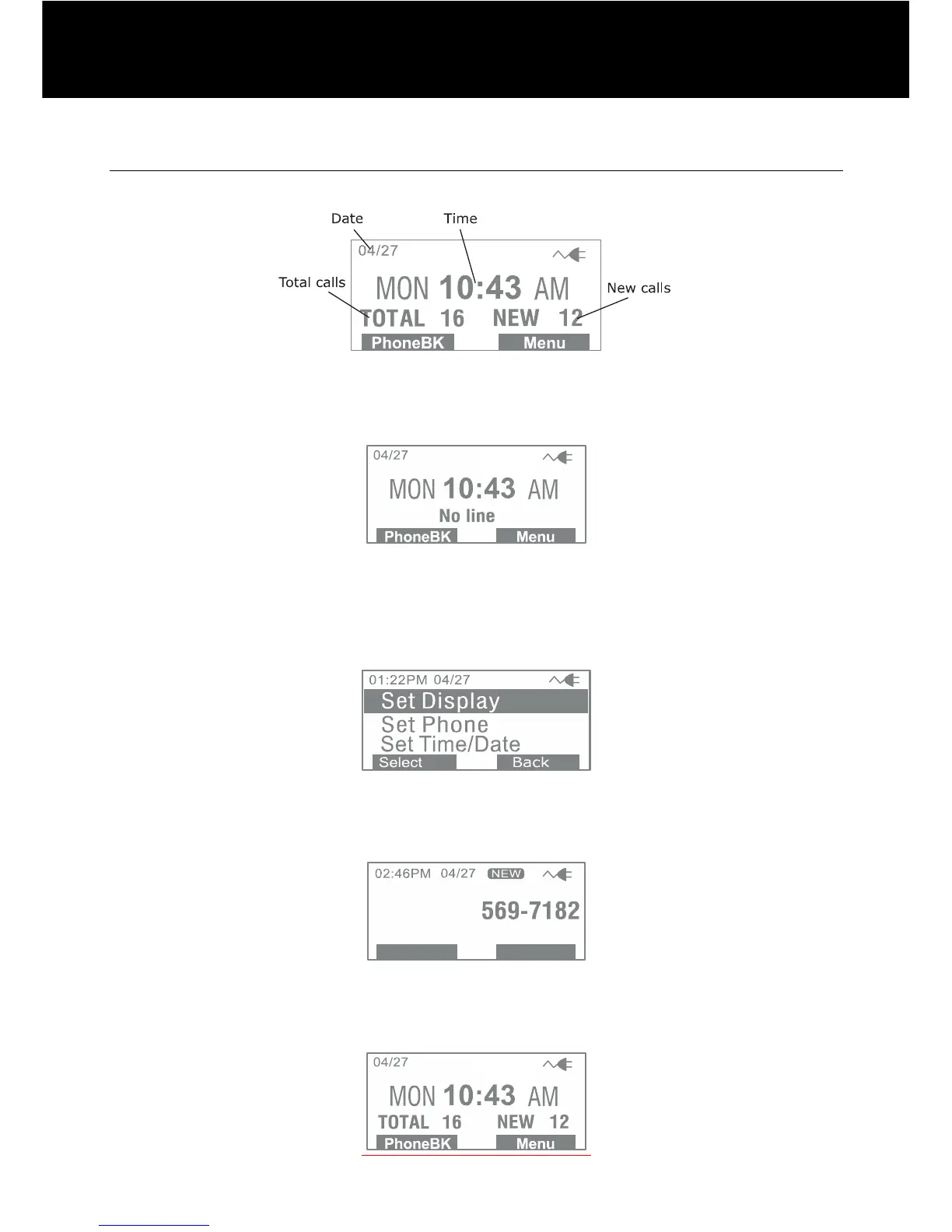
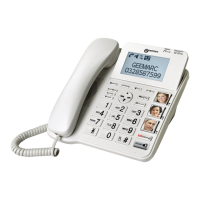
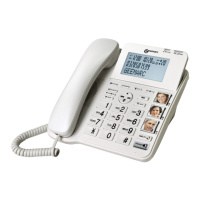
In standby mode, the large LCD display will show as below:
If you forget to connect the phone line cord, "No line" will show on
the screen.
When you press the Menu soft key, the display will show the main
menu. Use S or T key to scroll through the menu and select the
desired one, then press Select soft key to confirm.
When a new call comes in, the screen will display the caller's
phone number and/or name. If you subscribe to cid.
This shows you the total and new calls to be reviewed. In this
example, you have 16 calls in total which includes 12 new calls.
DESCRIPTION



 To Next Page