EasyManua.ls Logo

Geemarc Amplidect350 - User Manual

Geemarc Amplidect350
236 pages
Print Icon
To Next Page IconTo Next Page
Loading...
0
A
mplidect350
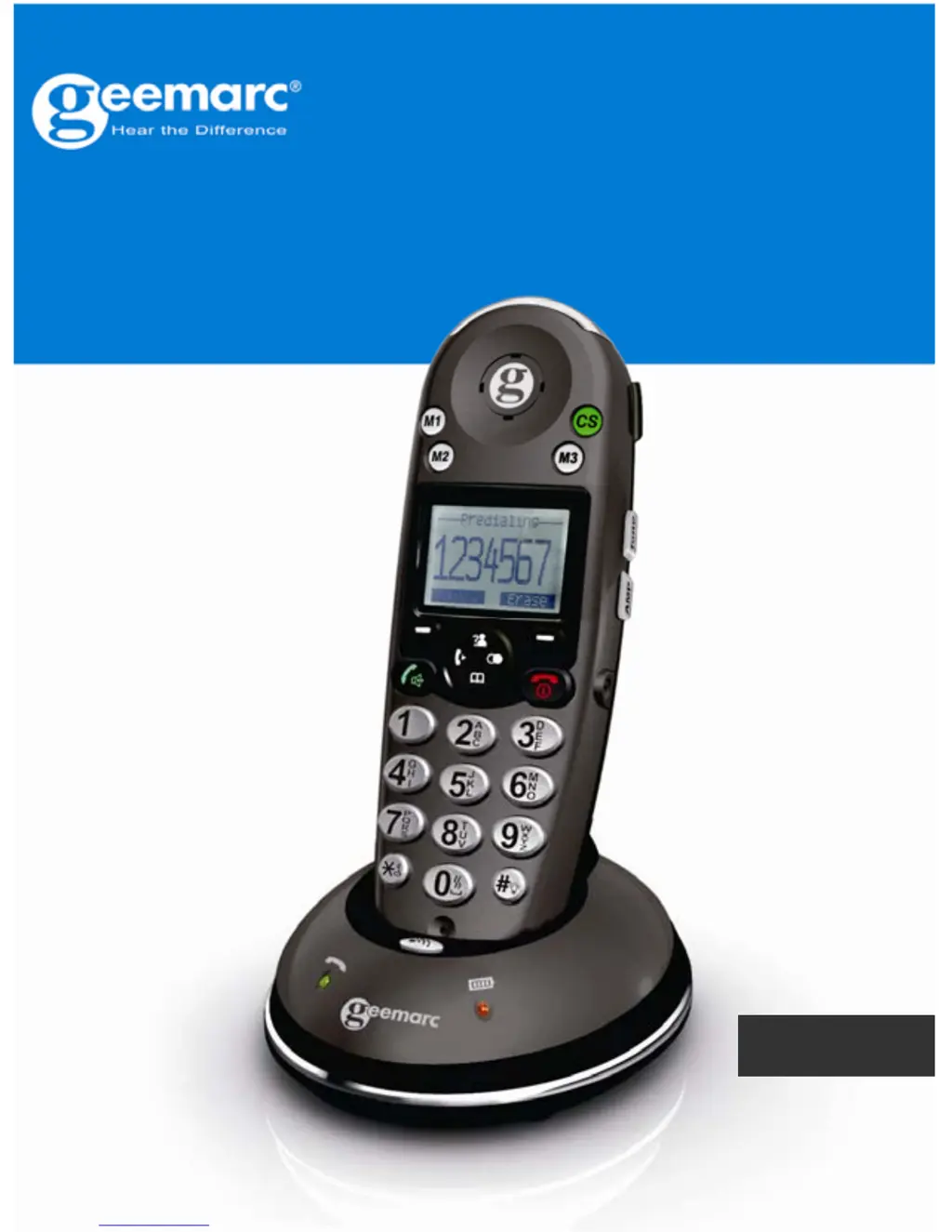
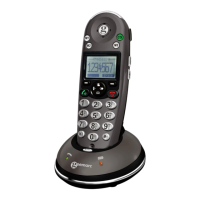
Amplified Cordless Telephone
English

Table of Contents

Questions and Answers

  • D
    David WallaceJul 26, 2025
    Why Geemarc Cordless Telephone handset seems to have very short battery life?
    • T
      Tammy NguyenJul 26, 2025
      If your Geemarc Cordless Telephone handset's battery life seems very short, check the charge contacts. Consistently short battery life may indicate that you need to replace the batteries. Make sure you're using the correct type of batteries.
  • A
    andrea95Aug 1, 2025
    Why caller number is not displayed on my Geemarc Cordless Telephone?
    • W
      wilsonjanetAug 2, 2025
      If the caller's number isn't showing on your Geemarc Cordless Telephone, first ensure you've signed up for Caller ID through your phone service provider. Sometimes, the caller might have blocked their number. Also, allow the phone to ring a few times, as there might be a slight delay before the Caller ID info appears.
  • R
    Rachel BaileyAug 7, 2025
    How to fix Geemarc Cordless Telephone if it has no operation?
    • R
      Richard HernandezAug 7, 2025
      If your Geemarc Cordless Telephone isn't working, make sure the power adapter and telephone line cord are properly connected. Also, check that the handset batteries are fully charged and correctly installed.
  • B
    Beverly WhiteAug 12, 2025
    What to do if there is no dial tone on Geemarc Amplidect350 Cordless Telephone?
    • D
      Derrick AlvarezAug 13, 2025
      If there's no dial tone on your Geemarc Cordless Telephone, check that the telephone line cord and the power adapter are properly connected.
  • A
    alexis60Aug 18, 2025
    What to do if nothing appears on the display of Geemarc Amplidect350?
    • C
      Christopher KlineAug 19, 2025
      If nothing is showing on the display of your Geemarc Cordless Telephone, verify that the handset batteries are correctly installed and fully charged. Also, ensure that the handset is turned on.

Summary

Introduction to Amplidect350

Product Description

General Handset Overview

Provides a front view description of the handset, labeling key components and buttons.

Handset Key Functions

Explains the functions of various keys on the handset, including dial, end, and navigation keys.

Installation Guide

Connecting Telephone Lines and Power

Instructions for connecting the phone line cord and AC power adapter to the base unit.

Installing Handset Batteries

Step-by-step guide on how to install the rechargeable batteries into the handset.

Charging the Handset

Instructions on how to charge the handset by placing it on the base.

Handset Settings

Basic Phone Functions

Making a Phone Call

Step-by-step instructions for initiating a phone call from the handset.

Receiving an Incoming Call

Details on how to answer and manage incoming calls, including caller ID display.

Amplification Function Usage

Describes how to use the amplification feature for increased volume during calls.

Advanced Phone Features

Phone Book Management

Covers adding, viewing, editing, and deleting entries in the phone book.

Handset Settings Configuration

Details for configuring handset settings like alarm, audio, language, and contrast.

Base Settings Configuration

Guide to configuring base settings such as terminating handsets, flash time, and PIN.

Managing Multiple Handsets

Instructions for making internal calls, transferring calls, and setting up conference calls.

Troubleshooting Common Issues

Safety Information

Geemarc Amplidect350 Specifications

General IconGeneral
Battery Life (Standby)Up to 100 hours
Phonebook Capacity50 entries
Answering Machine Recording Time15 minutes
Hearing Aid CompatibleYes
Caller IDYes
Handset SpeakerphoneYes
Volume ControlYes
Tone ControlYes
Answering MachineYes
Eco ModeYes
Frequency1.9 GHz
Range (Outdoor)300 meters
Range (Indoor)50 meters
IntercomYes
Number of Handsets1
ExpandableYes
TypeDECT 6.0 Cordless Phone

Related product manuals