50
Dialing from One-touch Memories
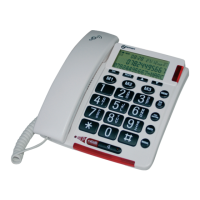
In the standby mode, press M1, M2, CS & M4 to dial out
the corresponding number.
Editing Memory Numbers
Perform the steps of the “Editing the Phone book Entries”
paragraph. Please refer to page 46.
Note:
The memory default names are M1: to M4:, you can add
something following them but cannot delete the default
name. e.g. you can modify M1 to M1: home.
Deleting Memory Numbers
Perform the steps of the “Deleting the Phone book
Entries” paragraph. Please refer to page 47.
ADVANCED FUNCTIONS


 To Next Page