11
Keys Description
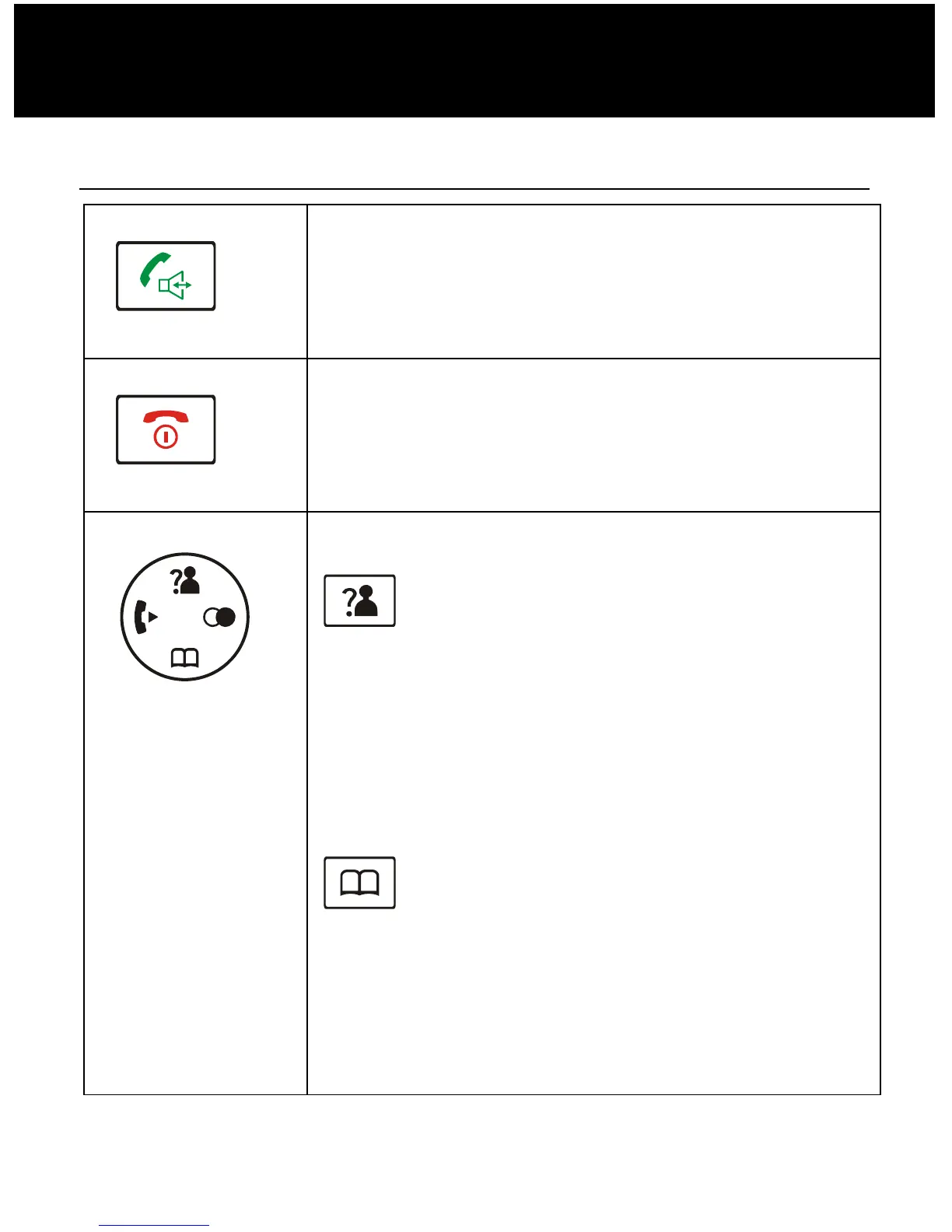
Dial/Speaker key
Make/Answer a call.
Activates the speakerphone if pressed
during a call, as described in page 41.
End key
End a call.
Long press to activate power on/off, as
described in page 20.
Navigation key:
Up/CID key
Scroll up through lists and menu
options.
Increase the earpiece/speakerphone
volume during a call.
Enter the CID book, as described in
page 31.
Down/Phonebook key
Scroll down through lists and menu
Decrease the earpiece/speakerphone
volume during a call.
Enter the Phonebook, as described in
page 44.
DESCRIPTION


 To Next Page