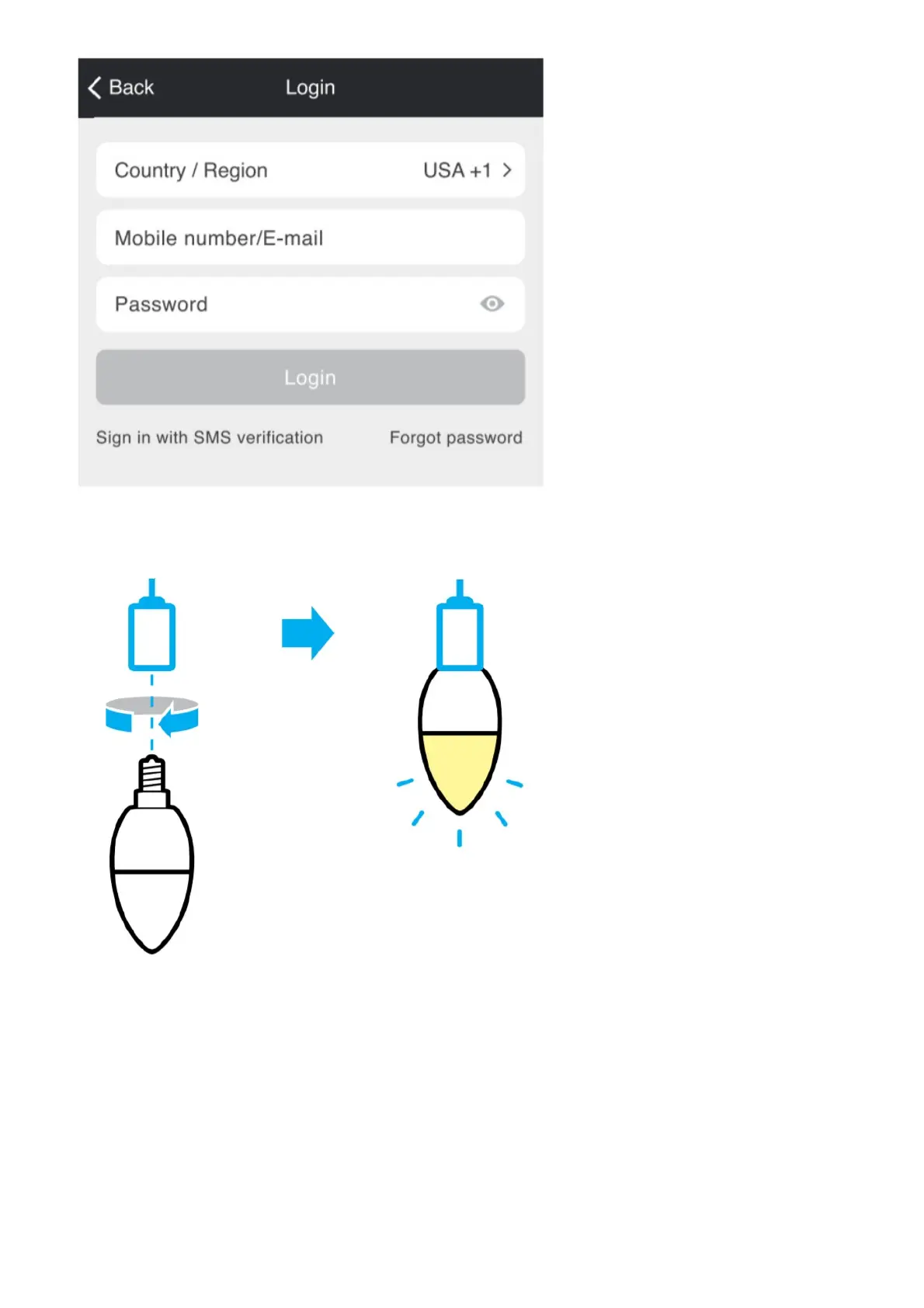
STEP 3. Login to the App.
Plug-In
STEP 1. Screw in the bulb and turn on the power.
The bulb should be quickly flashing 2x per second.
How do I reset the device and what does the blinking light mean?
Reset the bulb by turning it off and on three times.
– Reset once (off and on 3 times) to reach Easy Mode, which is the primary way the app will try to connect. (When in
Easy Mode, you’ll see the bulb flashing quickly, 2x per second)
– Reset again (off and on 3 times) to reach AP Mode, which is the Backup Mode to help connect. (When in AP Mode,
you’ll see the bulb blinking slowly, every 3 seconds)
Add device. Method 1: Easy Mode



 To Next Page