page | 46
Appendix
Updating the Firmware
The Syner-G™ Software Suite provides an easy way to perform rmware updates.
Before launching Syner-G™, make sure that a USB cable is connected between the
product and the computer that is running the Syner-G™ software. Refer to the Syner-G™
Software Suite User Manual for more information on using other features with this product.
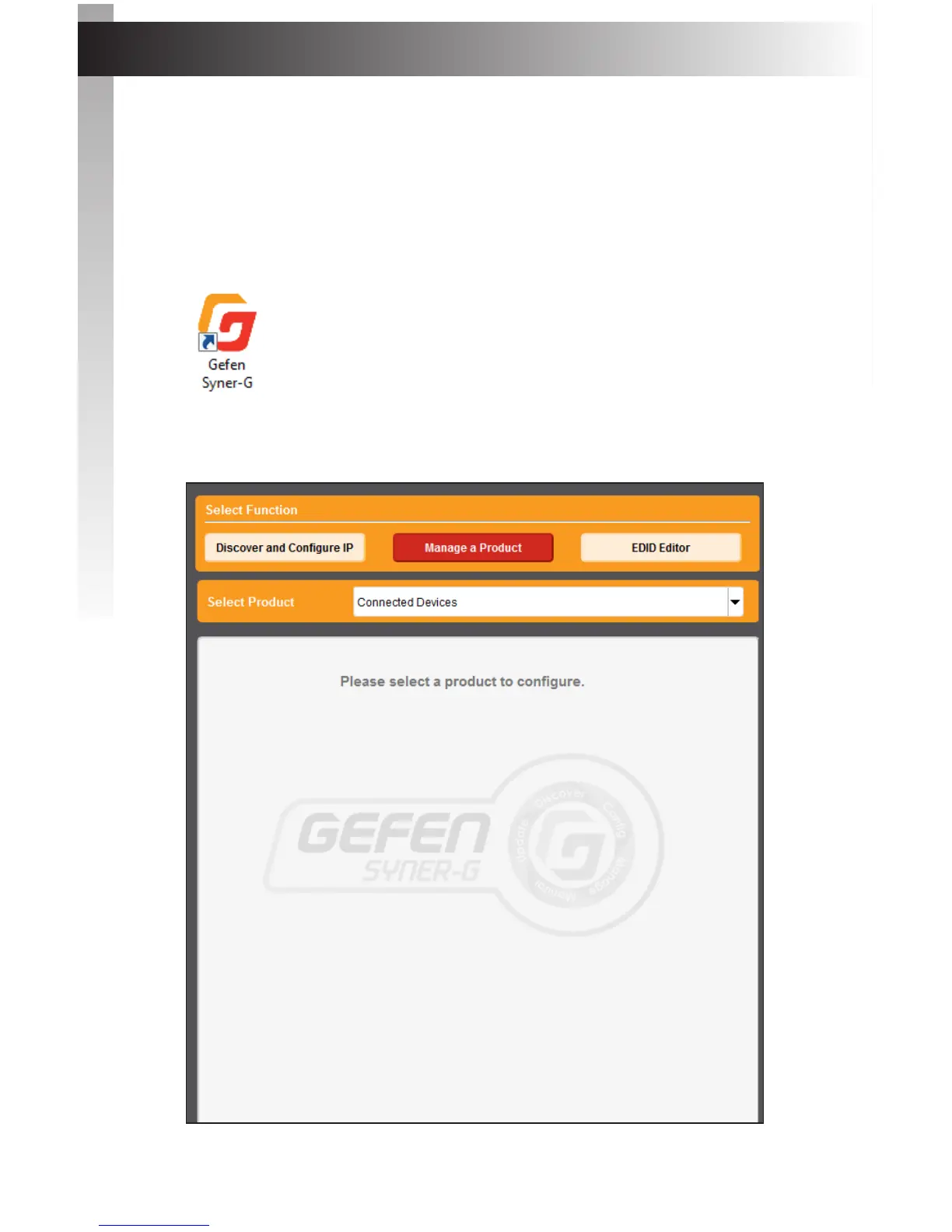
1. Launch the Syner-G™ Software Suite from the Start Menu or using the shortcut from
the Windows Desktop.
2. Click the Manage a Product button.
Appendix



 To Next Page