9
OPERATING THE GEFEN TV SD PVR
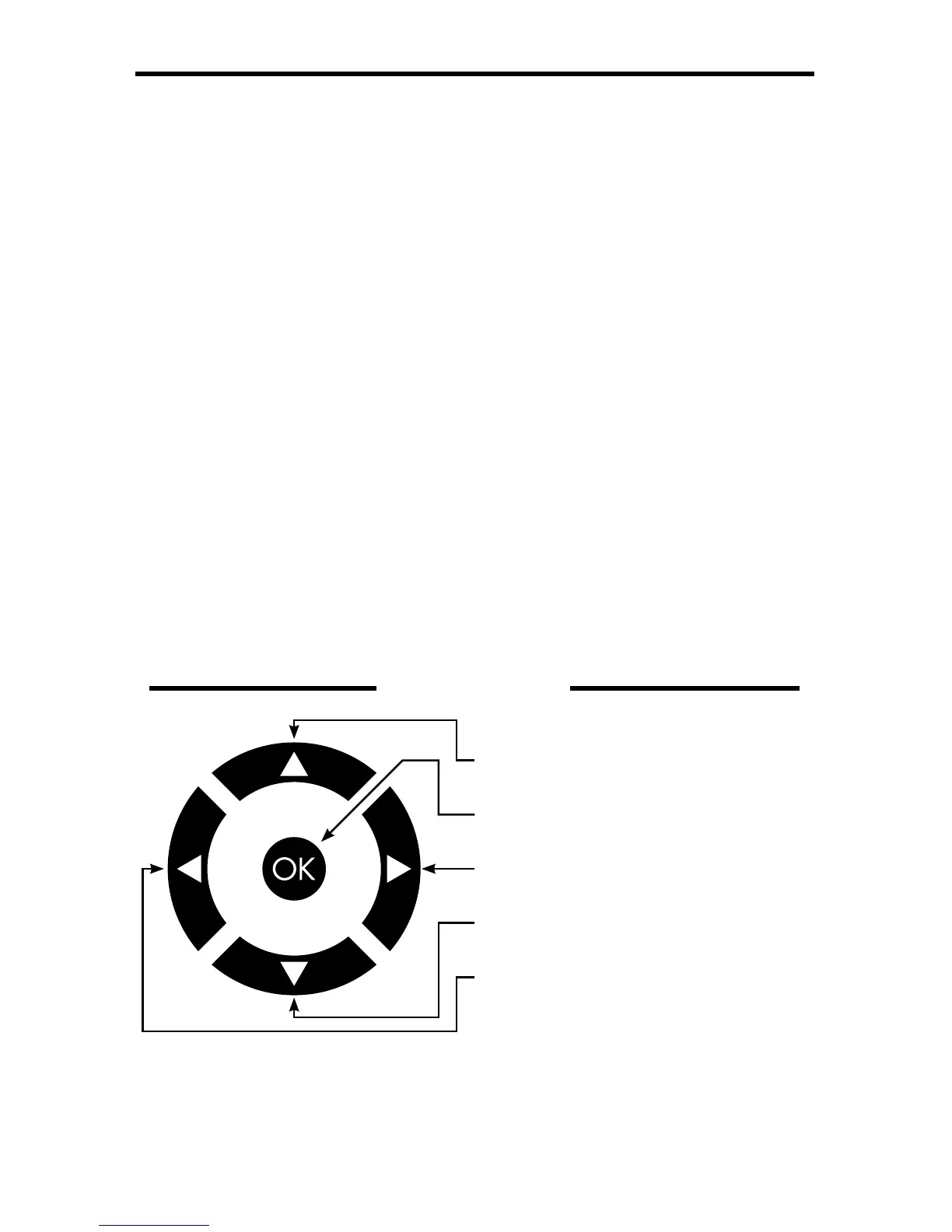
GUI NAVIGATION
REC
Begins recording the currently selected source.
STOP
Stops the current recording.
VOLUME + AND -
Increases and decreases the audio volume.
MUTE
Mutes the audio output. Press again to resume audio output.
REWIND
Rewind during playback of content.
PLAY
Begins playing the currently selected item. Resumes playback when recording,
slide-show, or music is paused.
FAST FWD
Fast forward during playback of content.
STEP REW
Rewind playback by a single frame.
PAUSE
Pause the currently playing content. To resume playback press the Play.
STEP FWD
Fast forward playback by a single frame.
Use the directional keys
to navigate the GUI. Use
the OK button to confi rm
changes of menu options.
UP
OK
RIGHT
DOWN
LEFT



 To Next Page