39
OPERATING THE GEFEN TV SD PVR
SYSTEM CONFIGURATION
SECTION 5
The Gefen TV SD PVR has a number of setup options that can all be accessed
via the System Menu.
SYSTEM MENU
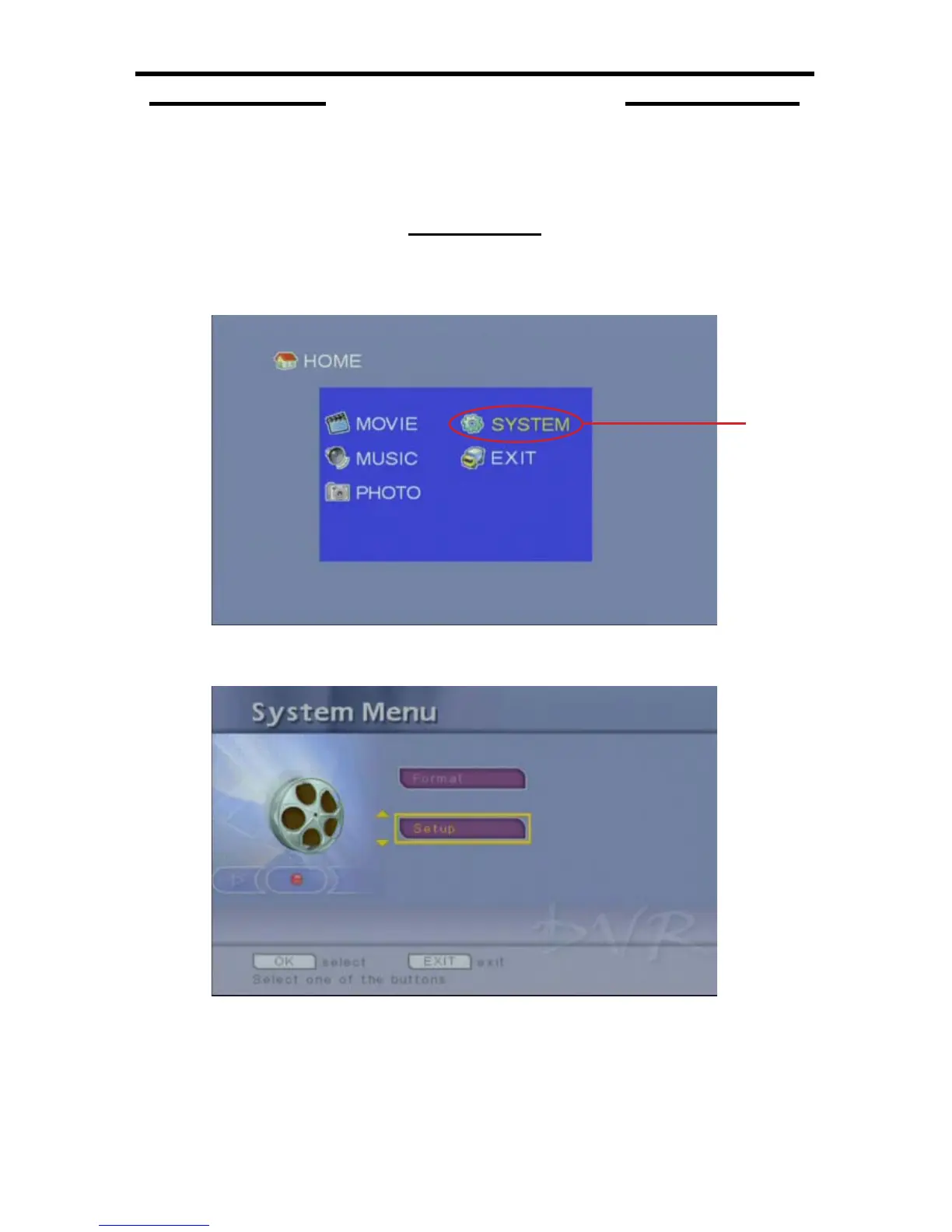
From the Home Screen (5-1) in USB Mode, navigate to the System Menu (5-2)
listing and press the OK button.
5-1
The System Menu (5-3) is where all setup and format options are accessed.
5-3
For setup options, select the 1 Setup option and press the OK button on the
IR remote control. Please proceed to page 40.
5-2



 To Next Page