14
OPERATING THE GEFEN TV SD PVR
SELECTING A LIVE VIDEO SOURCE & AUTO-DETECT FEATURE
A source can be watched in real-time. To access the live source feed, simply
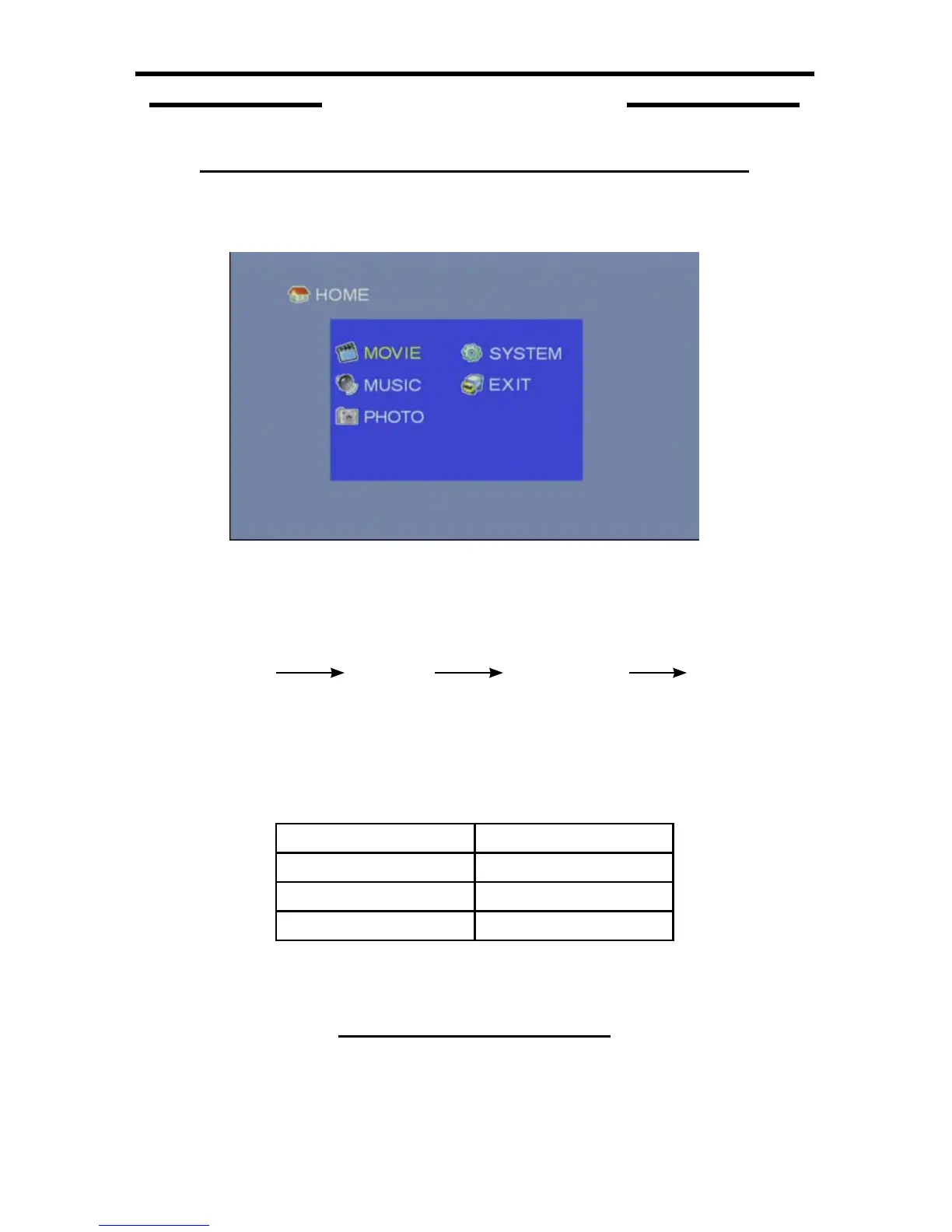
press the EXIT button while in USB Mode (Home Screen 2-1).
2-1
Once you exit USB Mode the Auto-Detect Feature will immediately start
scanning the input ports for a valid video signal. Once a valid signal is detected, it
will remain on that input until the user selects another input source. The scanning
process is done in the following order:
*If a valid video source is not detected on any of the inputs, the unit will return to
USB Mode.
To manually select a specifi c input, press the corresponding input button on the
included IR remote.
REMOTE BUTTON INPUT
COMP Component
COMPOS Composite
S-VIDEO S-Video
If a selected input does not carry a valid video source, the unit will automatically
switch to the next input source following the order listed above.
INFORMATION DISPLAY PANEL
While watching a live video source it is possible to view some basic information
on-screen using the Information Display Panel. This includes the current date
and time, input source, recording quality, and remaining recording time.
WATCHING A LIVE SOURCE
SECTION 2
Component S-Video Composite USB Mode*



 To Next Page