16
OPERATING THE GEFEN TV SD PVR
DATE5
Displays the current date. The date can be adjusted from the System Menu
on page 43.
TIME6
Displays the current time. The time can be adjusted from the System Menu
on page 43.
RECORDING A SOURCE
SECTION 3
SELECTING A LIVE VIDEO SOURCE TO RECORD
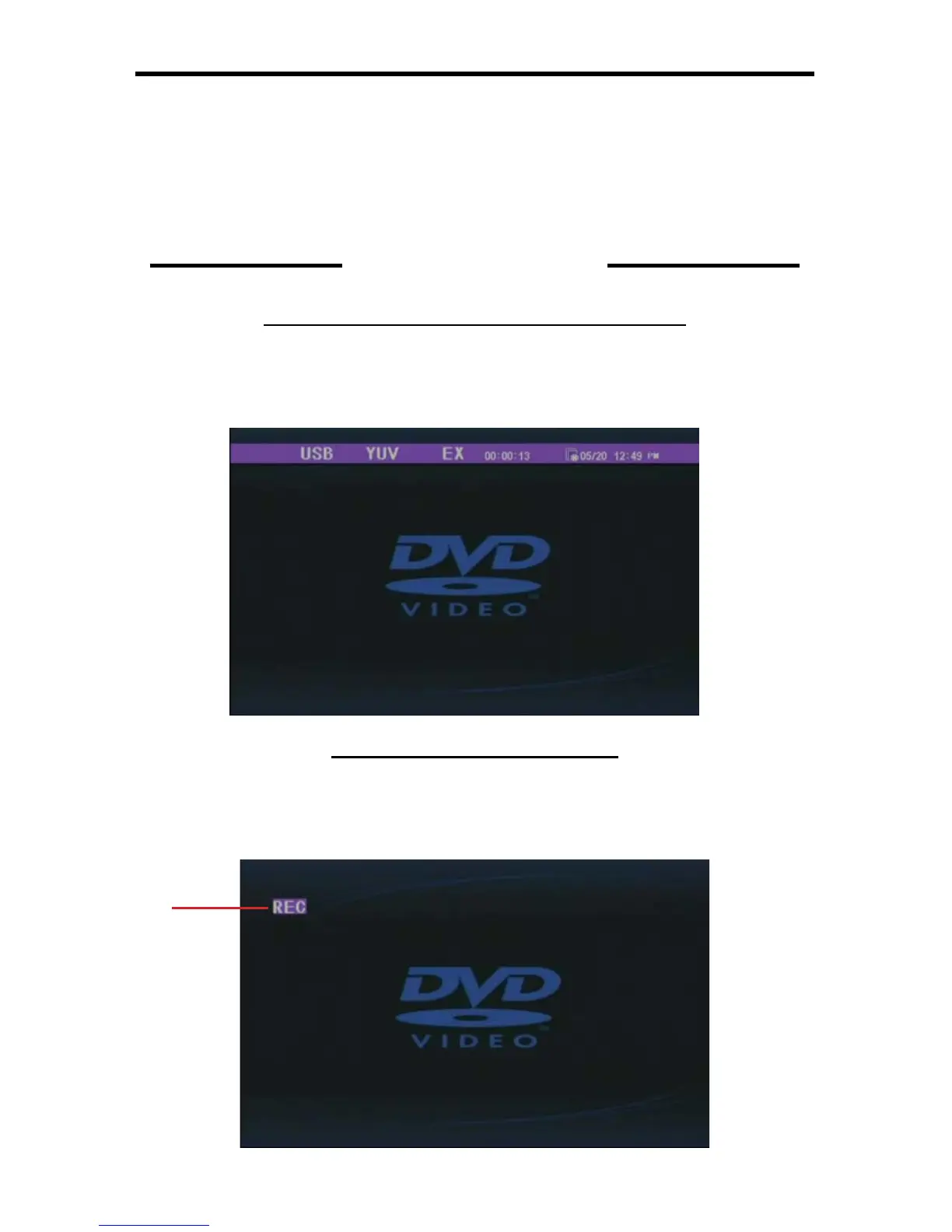
Refer to Section 2 starting on page 14 for instructions on how to view a live
source. In example 3-1, the component source is selected with the Information
Display Panel active.
3-1
RECORDING A LIVE VIDEO FEED
To begin recording a live video feed, press the REC button on the IR remote
control. A Recording Indicator (3-2) will appear on-screen to inform the user that
a recording is in progress.
3-2



 To Next Page