32
OPERATING THE GEFEN TV SD PVR
This mode can be accessed at anytime while in the USB Mode by pressing the
PIC button on the IR remote control. The only exception is when the user is in the
System Menu.
PHOTO MENU
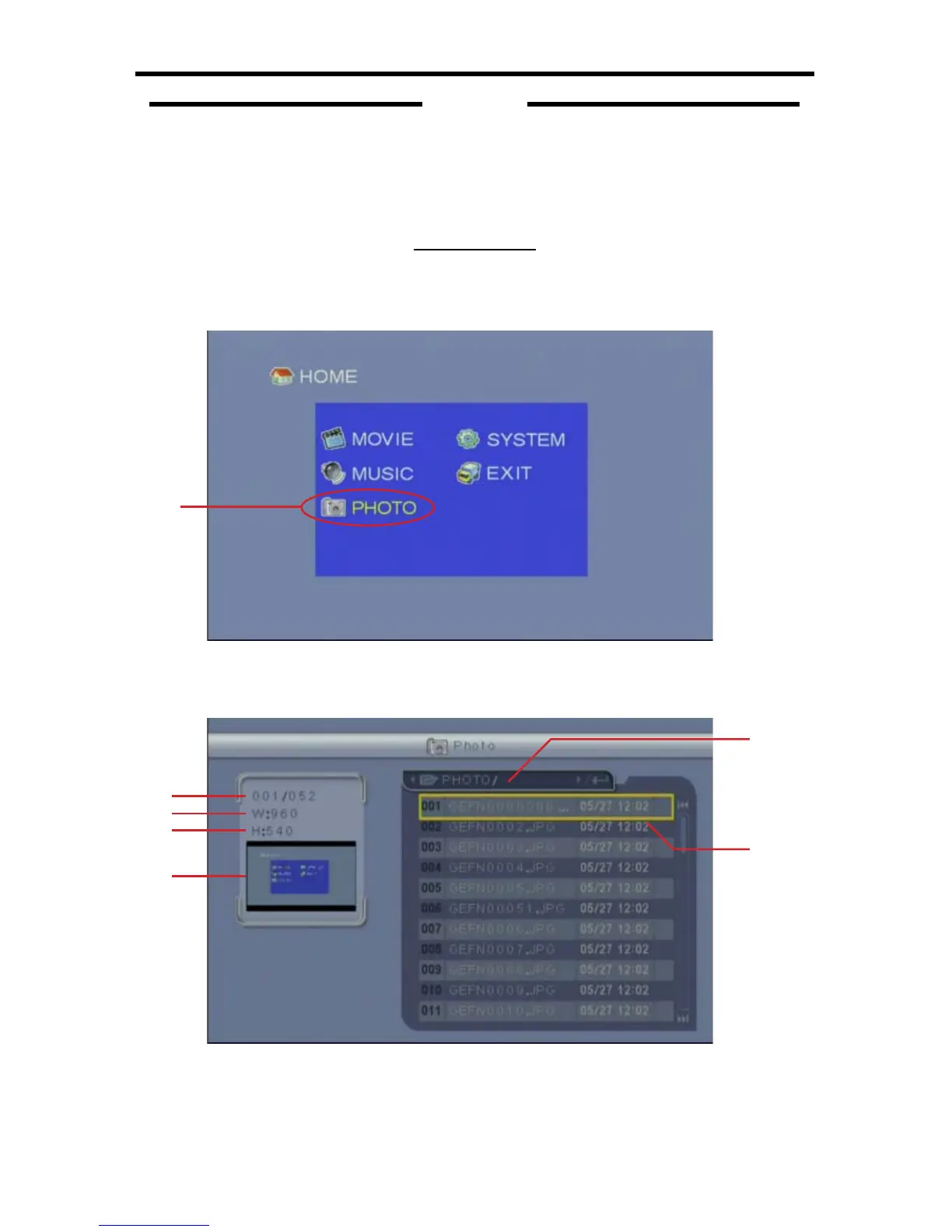
From the Home Screen (4C-1) in USB Mode, navigate to the Photo Menu
(4C-2) listing and press the OK button.
4C-1
PHOTOS
SECTION 4C
4C-2
The Photo Menu (4C-3) is where all stored photos will be available for viewing
and managing.
4C-3
5
6
1
2
3
4



 To Next Page