37
OPERATING THE GEFEN TV SD PVR
PHOTO WIDTH4
This displays the current photo’s pixel width.
PHOTO HEIGHT5
This displays the current photo’s pixel height.
ZOOM FUNCTION
The Zoom button can be used to focus in or out of a photo during playback. To
zoom into the movie, press the Zoom button on the IR remote control during
playback or when the movie is paused. The zoom multiplier follows the order
below:
RENAMING PHOTOS
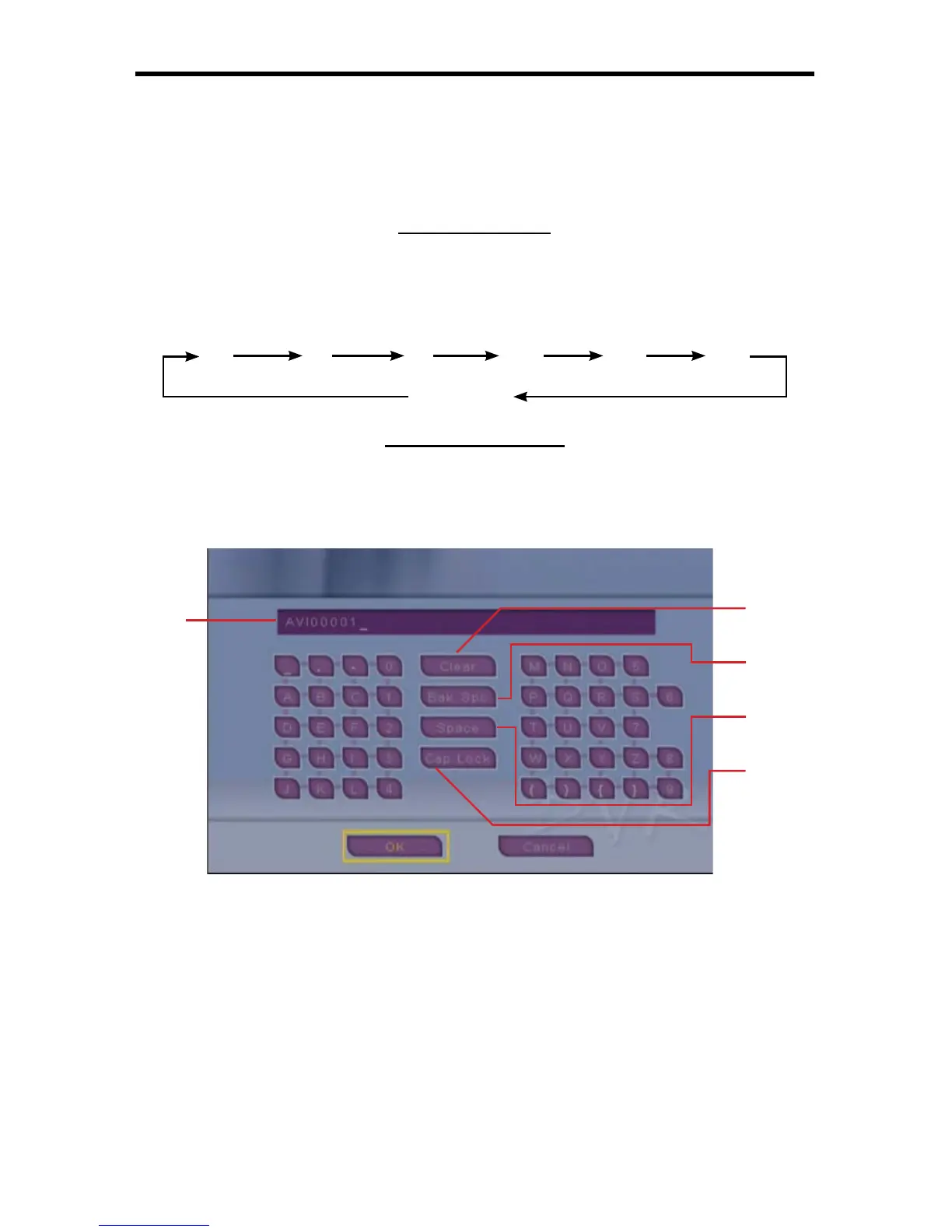
Movies can be renamed using the on-screen keyboard. From the Photo Menu,
select the fi le that you wish to rename and press the Rename button on the IR
remote control. The on-screen keyboard (4C-8) will appear.
4C-8
NAME FIELD1
The current name should be indicated here. When characters are selected
they will be displayed in this fi eld.
CLEAR KEY2
This will clear the entire Name Field.
BACK SPACE KEY3
This key will delete the previous character.
2x 3x 4x 1/2x 1/3x 1/4x
Zoom Off
1
2
3
4
5



 To Next Page