41
OPERATING THE GEFEN TV SD PVR
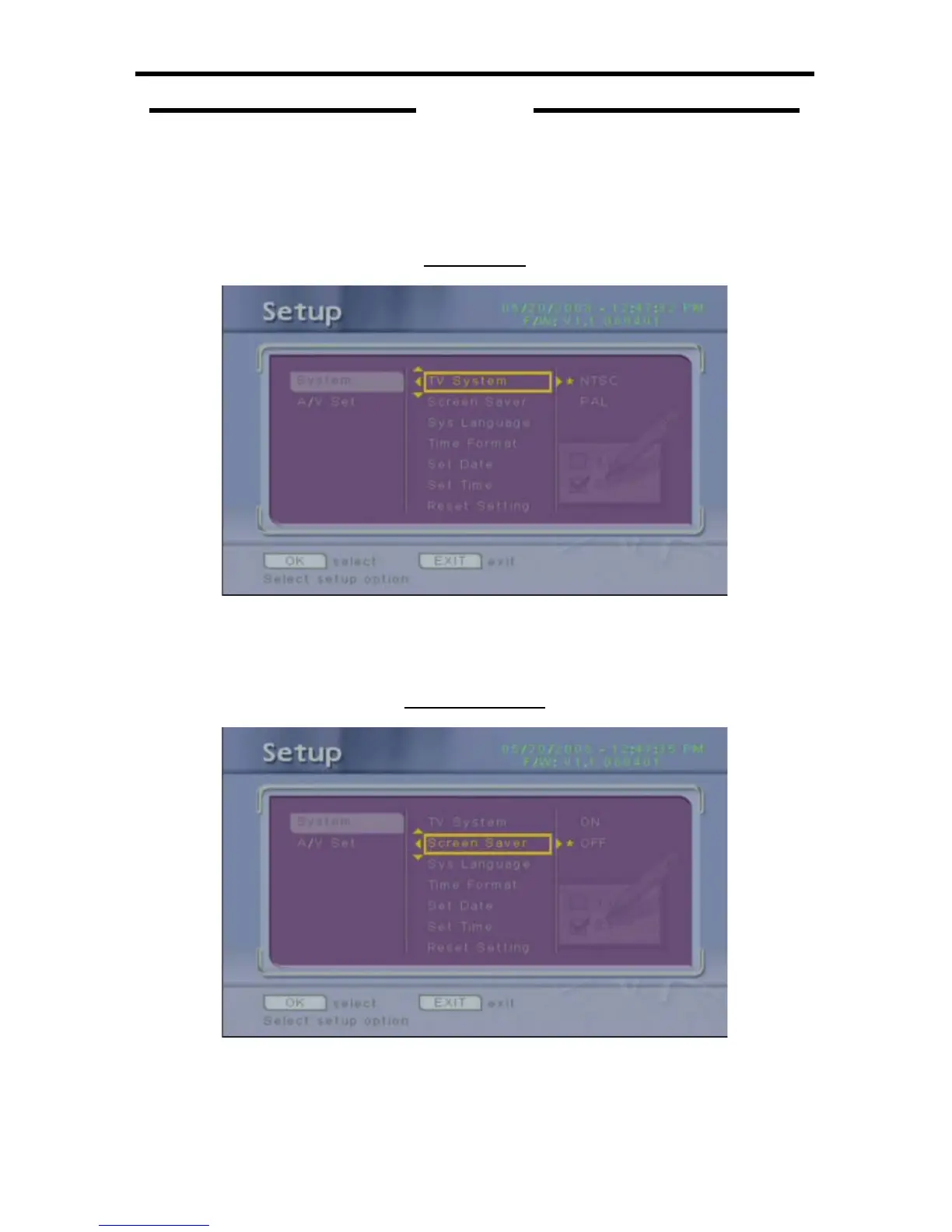
To navigate this menu system, use the Directional keys on the IR remote control
to move in and out of menu options. Highlight a menu option and press the OK
button to confi rm a menu item change. Currently set menu options are marked
with a yellow asterisk.
TV SYSTEM
This will change the TV output standard.
OPTIONS: NTSC (60 Hz output - Default), PAL (50 Hz output).
SCREEN SAVER
This option will enable or disable the screen saver.
OPTIONS: OFF (Default), ON.
SYSTEM



 To Next Page