5
1 Power LED Indicator
This LED will become active once the host computer is connected to the sender
unit.
2 Host Connection LED Indicator
This LED will become active once a valid connection is made by the host source
and the USB 2.0 LR Extender.
3 USB “B” Input Connector
Connect the USB source to this input.
4 Link LED Indicator
This LED will become active once a valid connection is between the sender and
receiver units.
5 RJ-45 Connector Port
Connect a CAT-5, CAT-5e or CAT-6 cable between this port and the RJ45
connector port on the receiving unit.
6 Activity LED Indicator
This LED will be active when trafc is passing between the sending and
receiving units.
7 5V DC Locking Power Receptacle
Connect the included locking 5V DC power supply between this port and an
open wall power socket.
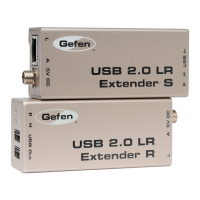
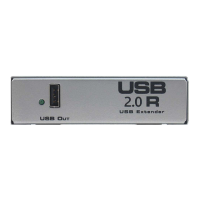
SENDER PANEL DESCRIPTIONS



 To Next Page