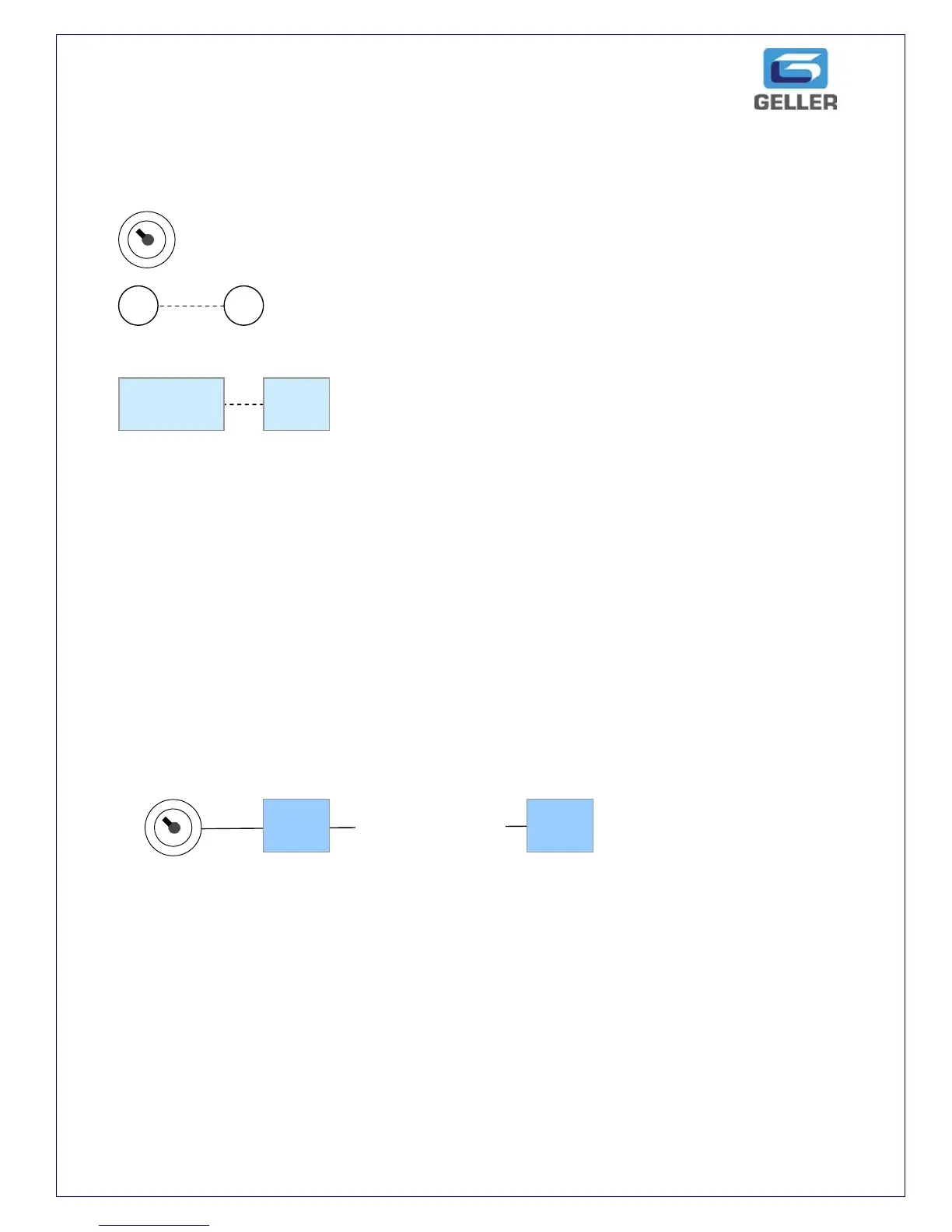
Diagram Explanation
We have used diagrams to indicate programming procedures.
Indicates the Control Lock and the letter describes the position of the key.
Indicates a numeric button, the number inside the circle is the button
required to be pressed.
Indicates the function button required to be pressed.
AX-150
SYSTEM RAM CLEAR
WARNING
This procedure will clear all sales data and program settings. This should be
performed for the very first time the cash register is installed and only after the
paper rolls have been inserted
Power off by removing plug from wall socket!
The message „SYSTEM CLEAR‟ will print on the receipt. The ECR‟s memory has now
been cleared.



 To Next Page