PROGRAMMING KEYS
The following page shows the programming overlay sheet. This is provided with
your cash register. The following keys listed on this page will be used throughout
this manual.
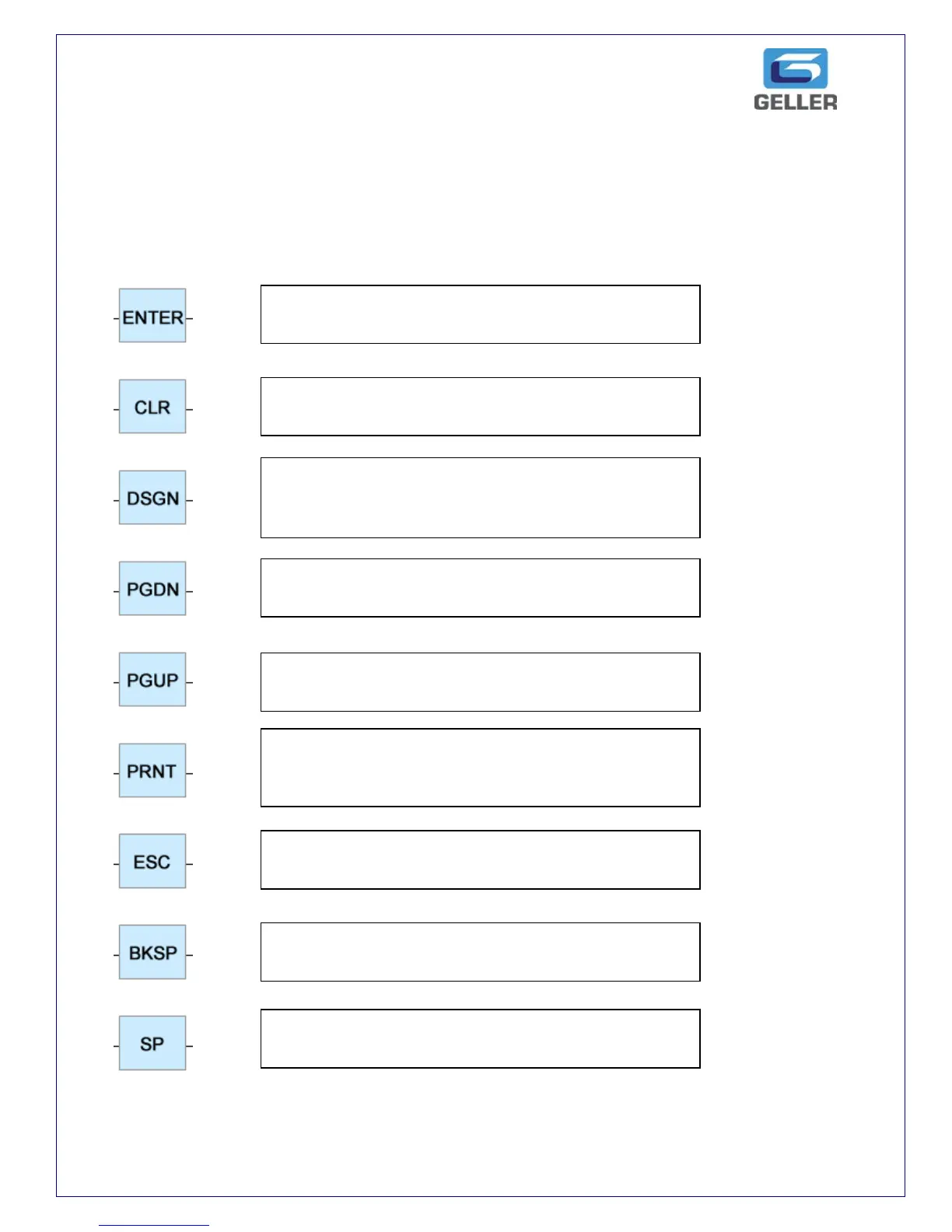
The Enter key is used to confirm a programming
option
The CLR key is used to Clear the existing
programming entry that has been entered
programming option
The DSGN key is used to go to a particular
record. e.g. DSGN 10 DSGN would jump to clerk
10 if you are programming clerks
The PGDN key is used to Page down during the
programming screens
The PGUP key is used to Page up during the
programming screens
The PRNT key is used to print programming
information. For example you can print PLU
programming.
The ESC key is used to return to the previous
screen or exit from programming
The BKSP key is used to delete the last entered
text when typing characters for name entries
The SP key is used to produce a space when
entering text



 To Next Page