BCB US Rev.00 01-2019 pag. 28
7.7 – HARD CHILLING
7.7.1 – SELECTING AND SETTING OF HARD CHILLING CYCLE
Load the machine suitably with the food to be chilled, place the core probe into the food and close the door.
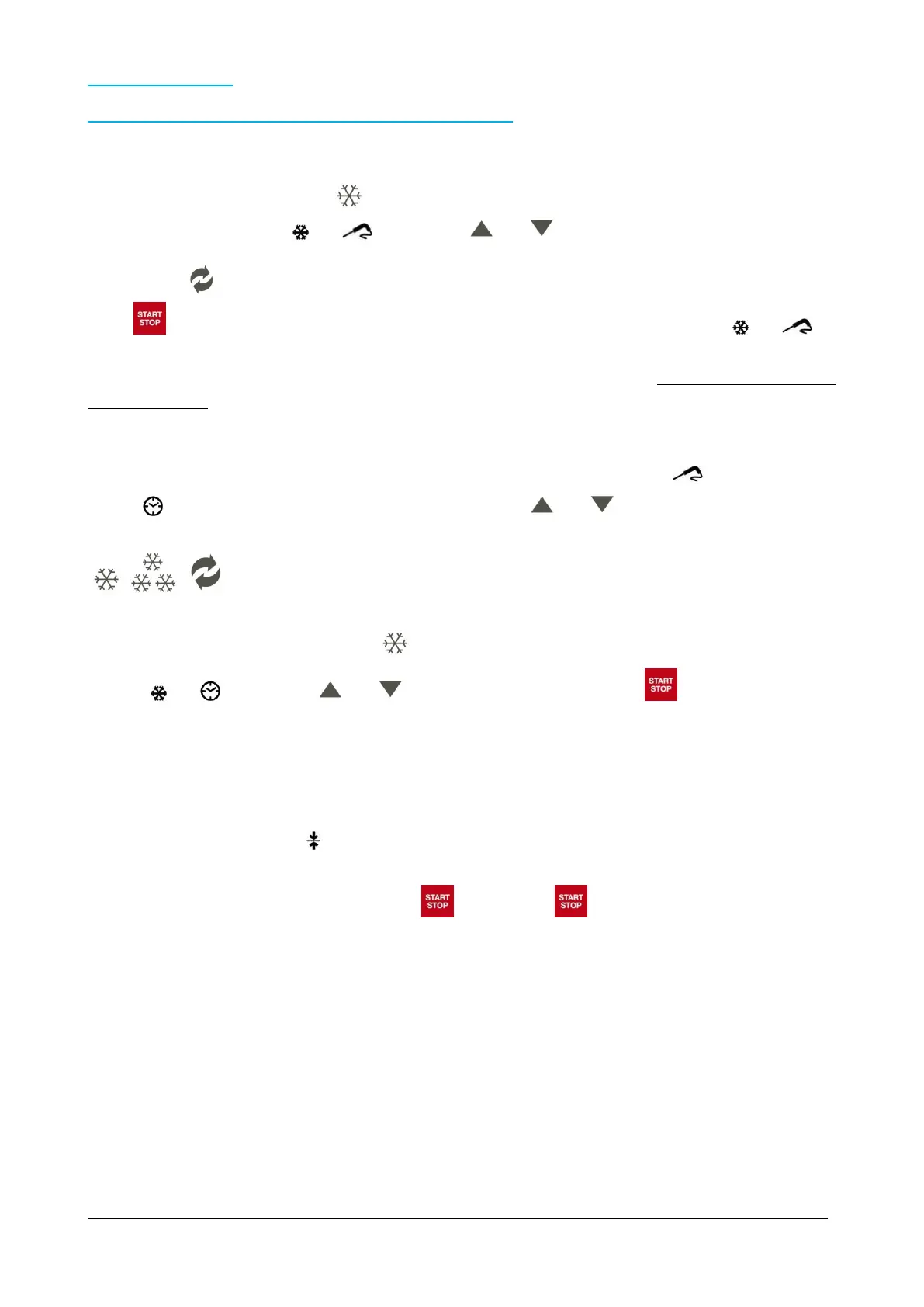
With the appliance on STANDBY press : the display will show the set point temperature of the room referred to 23°F
cycle, in the meantime the icons and flash. Use the and buttons to edit this value.
Press once the button in order to start with hard phase. Also the symbol HARD will flash on the display.
Press (START) to start the cycle: the display will show the temperature of the room and the icons and will
remain on. As already explained, once confirmed the cycle, the device does an automatic identification of probe’s insertion
(around 2 minutes), at the end of which the cycle will be confirmed or by probe or by time. All this process will be made
AUTOMATICALLY.
If the test has a positive result, the device will confirm the temperature controller cycle (probe) and the display will show
the temperature of the probe.
Otherwise, if the result is negative, after buzzer’s alarm and visual signalling of the flashing icon , the display will show
the icon and the cycle will change in time controlled cycle. Use the and buttons to edit this value.
During the visualization of the residual time, it is possible to change the temperature of the room by pressing the buttons
, , .
With the appliance on STANDBY press TWICE : the display will show the duration of the cycle 90 min, in the meantime
the icons and flash. Use the and buttons to edit this value. Than press (START) in order to start
the cycle.
Once finish the time relative to 90’ cycle or once reaches the core temperature of 37°F, the device automatically starts the
conservation cycle, 36°F rooms, previously reported by the buzzer’s alarm.
On the display will appear the icon
The cycle can be interrupted at any time by pressing (STOP): press (START) again in order to restart again
the cycle.



 To Next Page