Operating Manual
1069-2425EFS—03
ENGLISH
70
30
6
am
Set
M32289
75
30
6
am
Set
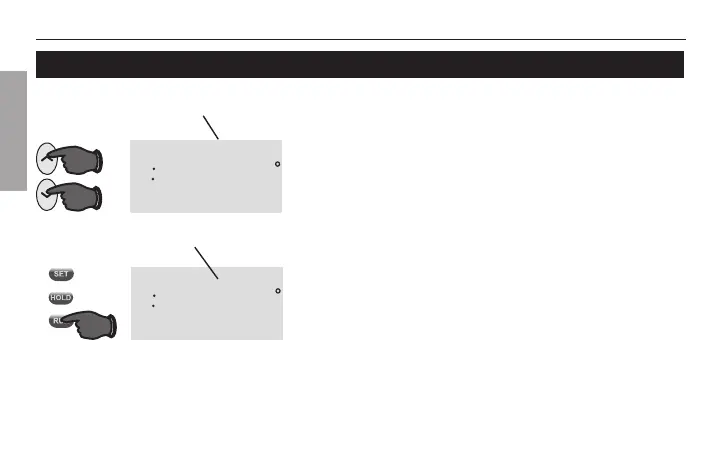
Press s or t to immediately adjust the tempera-
ture. “Temporary” will appear in display and the
current period will flash. This will temporarily over-
ride the temperature setting for the current time
period.
The new temperature will be maintained only until
the next programmed time period begins. For
example, if you want to turn up the heat early in
the morning, it will automatically be lowered later,
when you leave for the day.
To cancel the temporary setting at any time, press
RUN.
Program schedule override (temporary)
Press to temporarily adjust temperature.
Press to resume program schedule.
Note: Make sure the thermostat is
set to the system you want to control
(heat or cool).
Note: Pressing s or t once will display the set
temperature. To change the set temperature, press
s or t more than once.



 To Next Page