GTP110D / GTP211D
About your new thermostat
7
69-2425EFS—03
ENGLISH
M32288
Heat Off Cool
Auto On
Fan
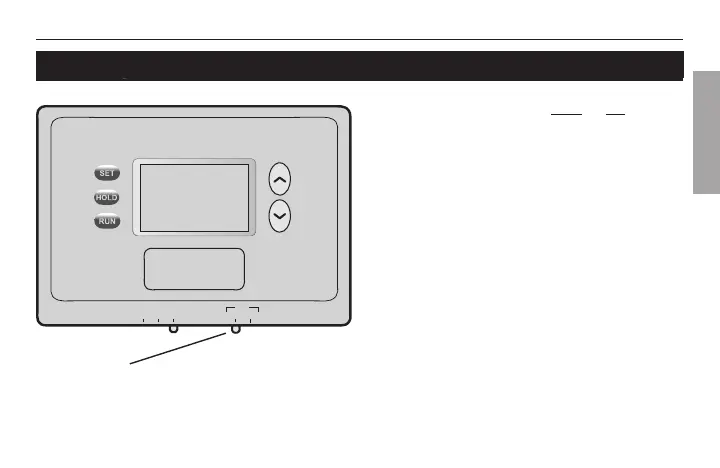
Fan switch
Set the FAN switch to Auto or On.
In “Auto” mode (the most commonly
used setting), the fan runs only when the
heating or cooling system is on.
If set to “On,” the fan runs continuously.
Set FAN switch to choose whether the fan runs
continuously or only as needed.



 To Next Page