8
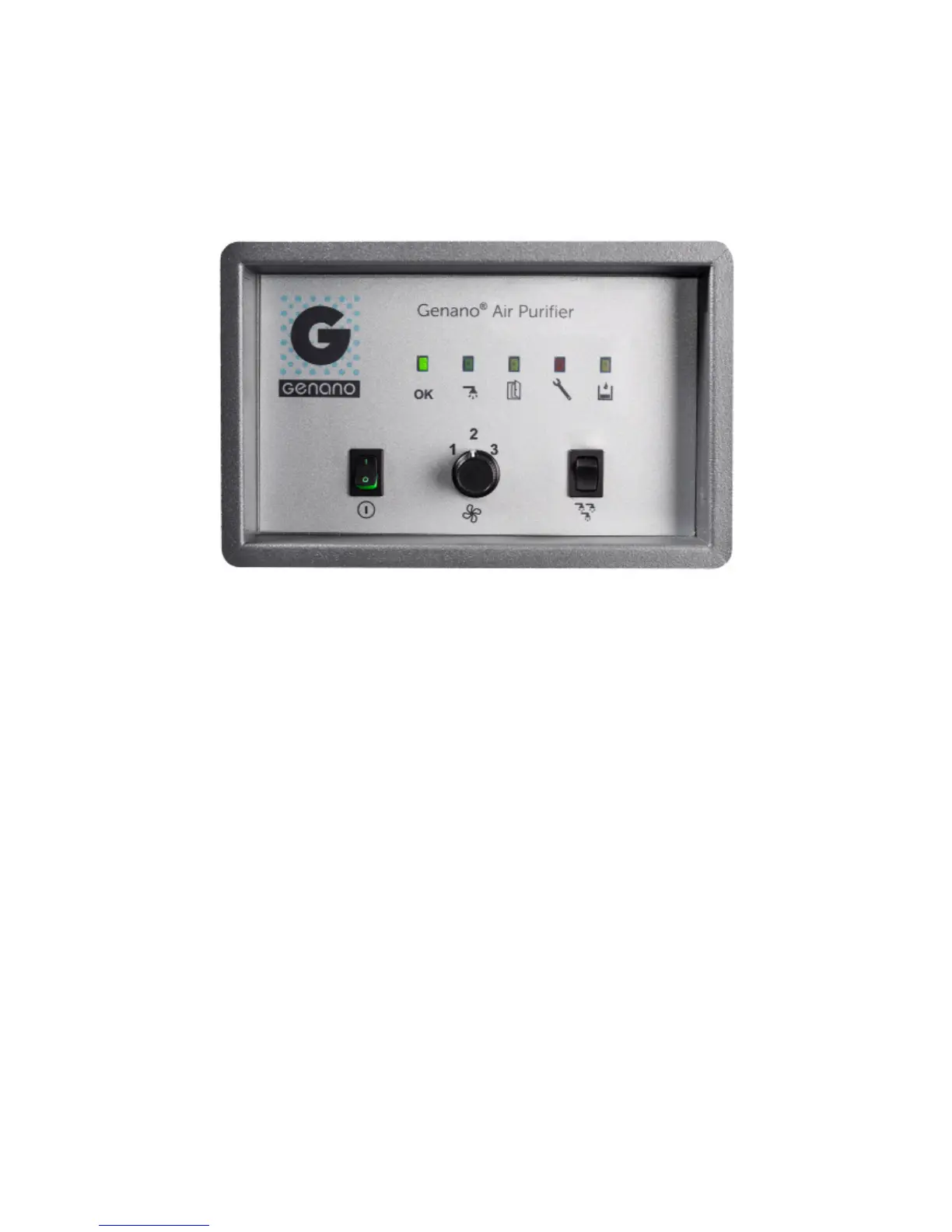
SIGNAL LIGHTS
A. OK
Green light
B. AUTOMATIC WASHING / DRYING
Green light
C. CLOSE DOOR
Green light
D. ERROR / SERVICE
Red light
E. ADD WASHING LIQUID
Yellow light
The front door of Genano 5200 can be locked. Inside the unit, there is a washing
liquid container and a flush bowl.
Indications of symbols
OPERATION SWITCHES
F. MAIN SWITCH
On (I) / Off (0)
G. FAN SETTINGS / CAPACITY
1 - 2 - 3
H. POWER WASH
Keep the switch pressed down until
the fan stops and washing starts.
A EDCB
HGF



 To Next Page