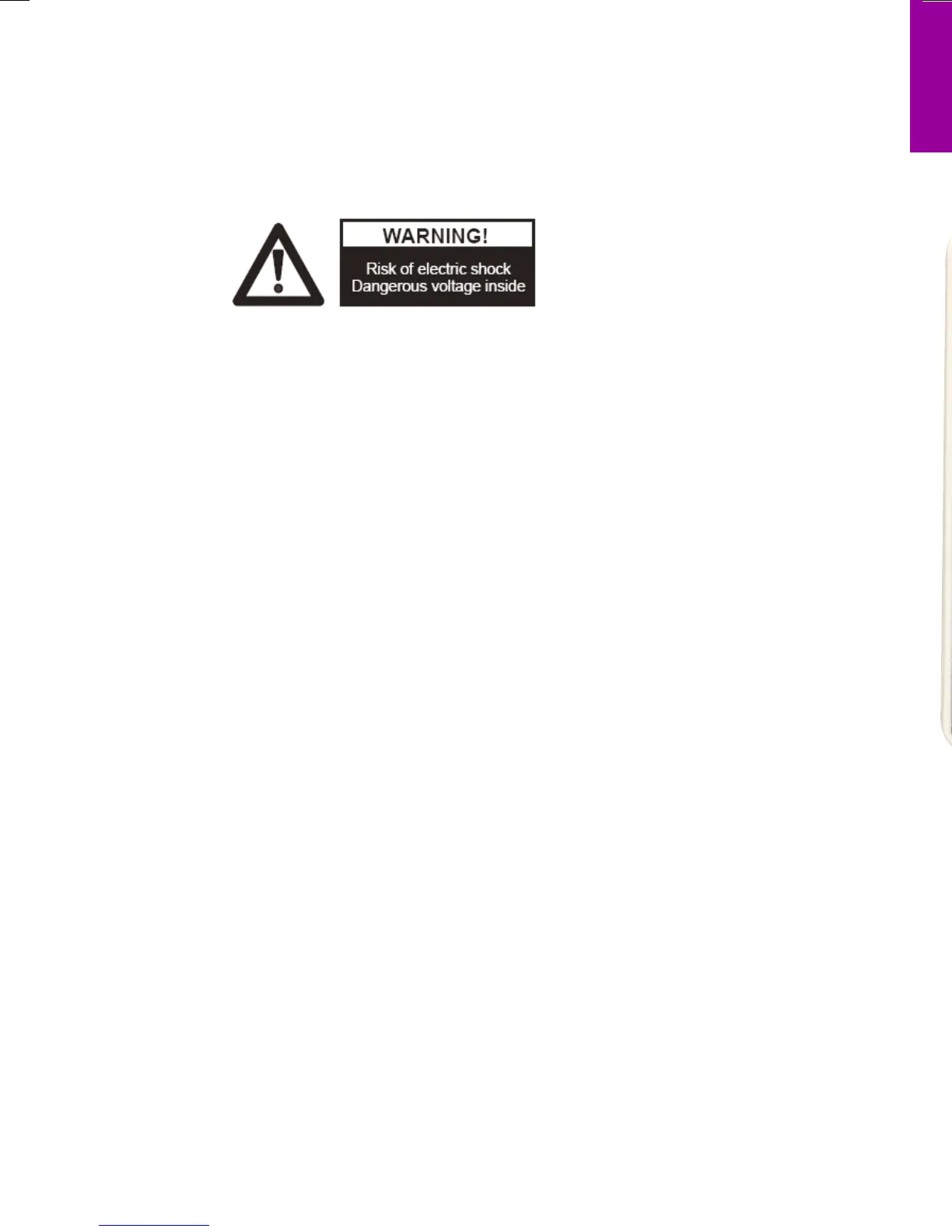
PRECAUTIONS
Please follow these precautions:
To prevent re or shock hazard, do not expose the unit
to rain or moisture.
To prevent electrical shock, do not open the cabinet.
Refer to qualied personnel for service only.
Do not use the unit continuously for more than 24
hours with camera auto focus on. It may cause
damage to the camera lens.
Be careful not to spill water or other liquids onto the
unit, or allow combustible or metallic objects to get
inside the cabinet.
Unplug the visualiser from the wall outlet when it is not
being used for a long period of time.
Clean the cabinet with a soft cloth lightly moistened
with a mild
detergent solution.
Clean the lens carefully with an air spray or soft dry
cloth to avoid
scratching it.
When the lamps ash or become dark, they should be
replaced with new ones.
Avoid switching arm lights and back light frequently.
Remove the camera lens cap before power the unit on.


 To Next Page