11
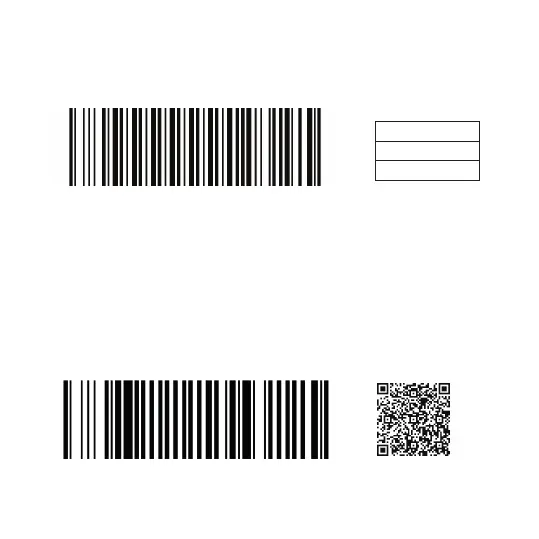
USB-VCP Mode
Bluetooth SPP Master Mode
For using this modes, please contact us. Support@generalscan.cloud
To use the VCP Mode (Virtual COM Port), you can scan the barcode
below.
You can scan the barcode below to use the Bluetooth SPP Master
Mode. For wider bluetooth distance, you can use this mode. You will
need a Bluetooth adaptor GDA201 to use this mode. You can purcha-
se the Bluetooth adaptor by scanning the QR code below with your
Phone´s camera.
USB-VCP Mode
Bluetooth SPP Master Mode GDA 201
Data Bits 8
Flow Control N
Stop Bits 1
PARAMETERS



 To Next Page