19
Enter DFU Mode
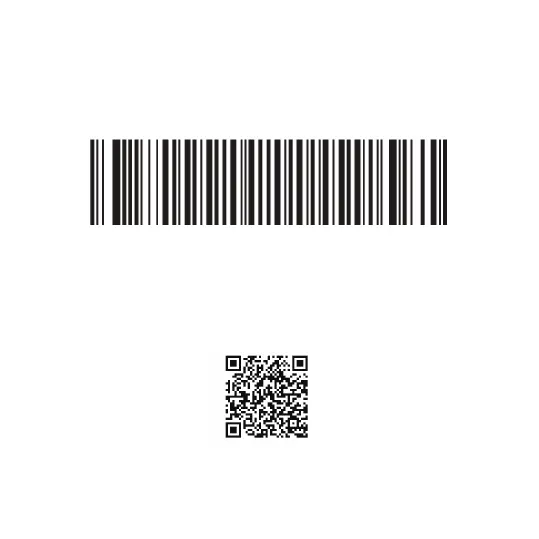
Please scan the barcode below to switch to Device Firmware Update
mode. After scanning this barcode, make sure that the blue and green
LEDs of your device are constantly lit in sequence.
To download the software for upgrade application to your phone, you
can scan the QR Code below with your phone´s camera and access the
application on our website. Only for Android.
OTA Tools
For leaving DFU mode, please restart your scanner.
DFU Mode



 To Next Page