4
Bluetooth HID Mode
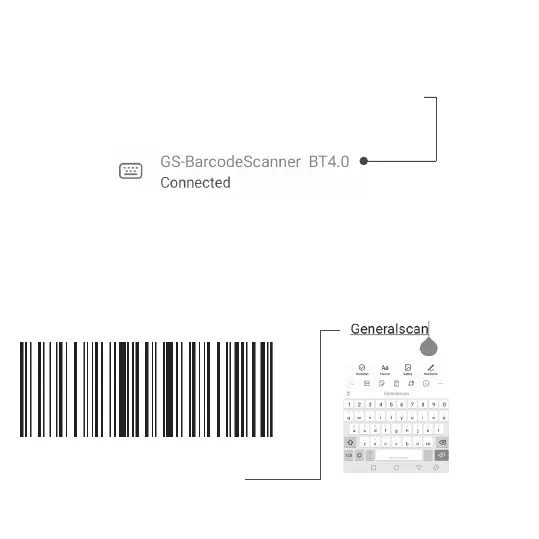
Connection has been completed, the blue light of the device has
turned off, which means the connection is successful.
Step 4.
Please open a notebook app on your phone, when you scan a barcode
the data will appear at the tip of the cursor. The barcode below is the
test barcode.
Generalscan (Test Barcode)



 To Next Page