69
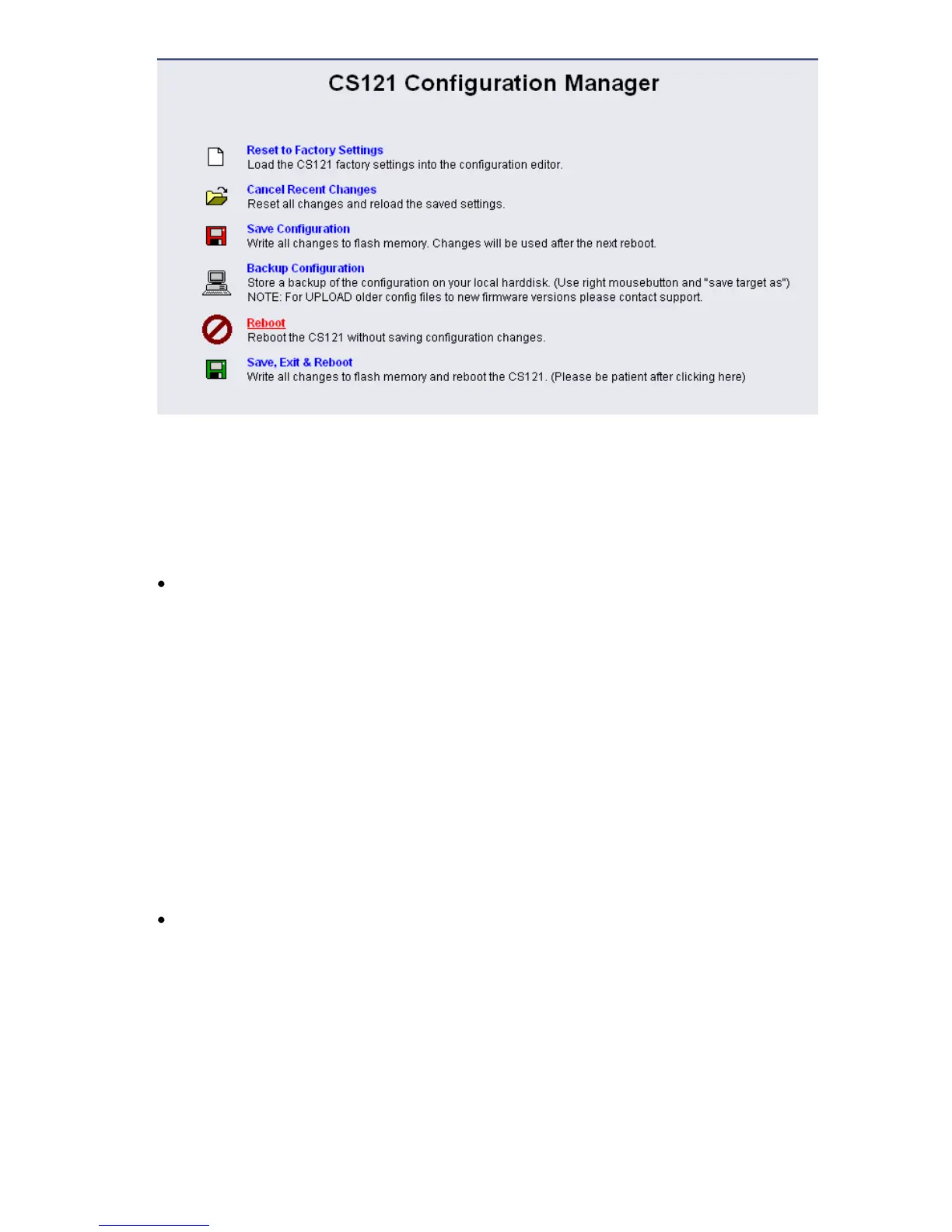
Figure 79: CS121-Reboot
At the reboot, the stored „upsman.cfg“ will be load and the CS121 will obtain the configuration
prior of the update.
4.5 Changing the Adapter’s MAC-Address
The MAC-Adress of the CS121 can be changed in 4 steps:
1. Connect your CS121 to the network again, after you successfully flashed the device with
new firmware.
2. To connect to the CS121 please enter from a Windows Commandline : "hymon.exe <ip
adress of your CS121> 4000"
Example: "hymon 10.10.10.10 4000"
You may alternativly open the batchfile "login_HynetOS.bat" and simply change the IP adress.
(NOTE: The usage of Hymon requires a JAVA Runtime version 1.3 or higher.)
3. Now you should be connected to your CS121 at the login prompt.
c:\CS121\CS121_Mac_Adresse>hymon 192.168.202.123 4000
Connecting to target 192.168.202.123...ok.
192.168.202.123:/>
4. Enter in the prompt the command: "set MAC <GENEREX MAC Identifier>" <ENTER>
Finish. After this you can enter exit and reboot your CS121.
GENEREX MAC Identifier - Address code:
The GENEREX MAC address range is :
Model CS121 Hardware 131, Typ L,SC,Modbus Version 2005:
00-03-05-0E-XX-XX
Model CS121 Hardware 121, Typ L,SC,Modbus Version 2005:
00-03-05-02-XX-XX
Model CS121 Hardware 131, Typ BSC,BL:
00-03-05-0F-XX-XX
Model CS121 Hardware 121, Typ BSC,BL:
00-03-05-02-XX-XX



 To Next Page