8 genetec.com | Security Center 5.1 | Archive Player User Guide 5.1
EN.500.008-V5.1.C3(1)
Portable Archive Player User Guide | The Portable Archive Player user interface
Move, resize and show/hide panes
Panes containing a title bar (such as the Tool pane) can be made into a floating window by
clicking on the button, or closed by clicking on the button.
To resize any of the panes, click on one of the edges separating two panes and drag it in the
direction you want to resize. All of the panes can be shown or hidden by placing or
removing check marks in the View menu except the playback pane which is always shown.
Change the tile pattern
You can choose how many tiles are displayed in the playback pane by clicking the change
pattern button in the main toolbar.
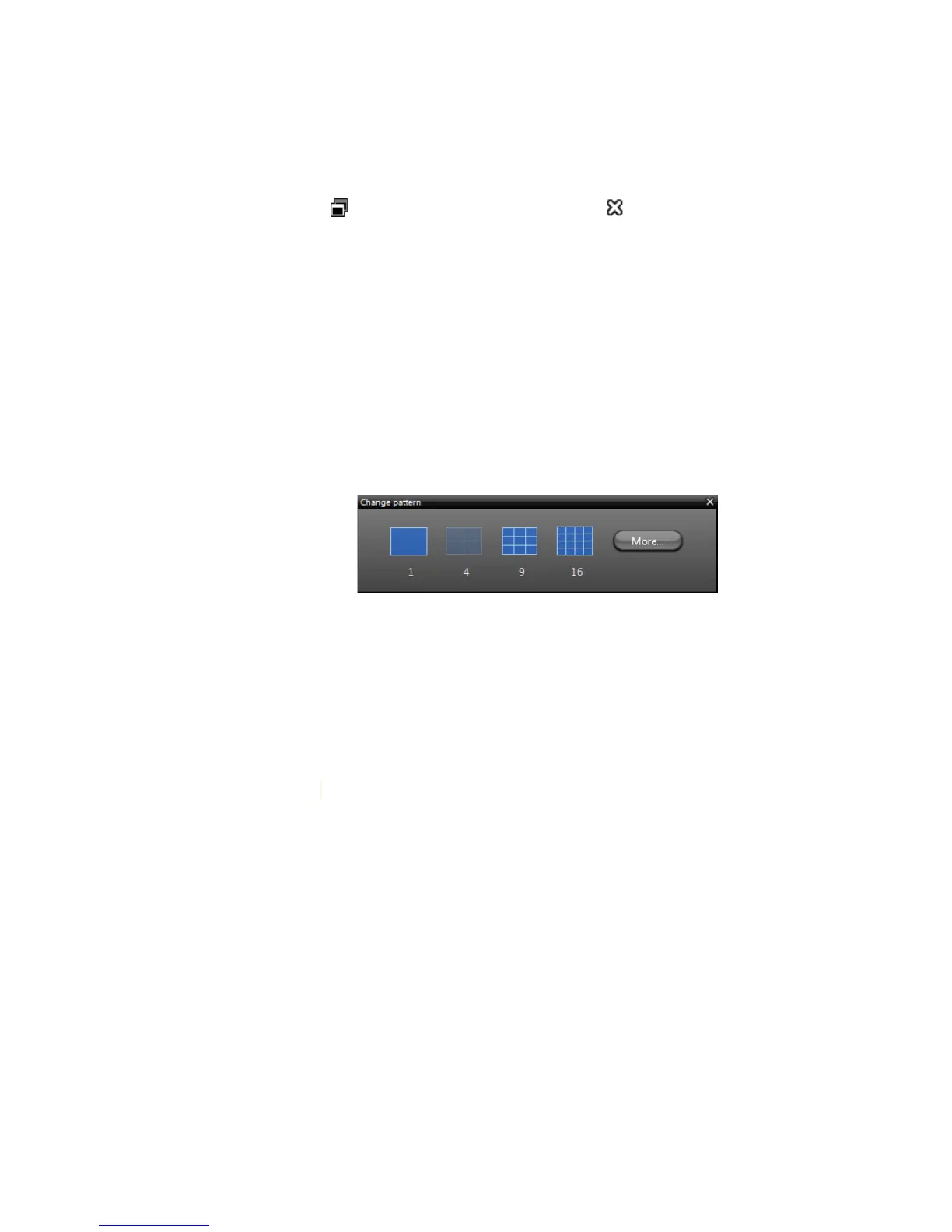
1 Click the Pattern button on the main toolbar.
2 In the Change pattern dialog box, choose a tile pattern with one, four, nine or sixteen
tiles in the layout.
There are many different patterns to choose from. If you do not see the pattern you
want, click More to see the rest of the available patterns.



 To Next Page