User manual of Kloud Note v2.0 www.geniatech.com
Copyright © 2021 Shenzhen Geniatech Inc, Ltd. All rights reserved.
4.1 Shortcut menu for reading
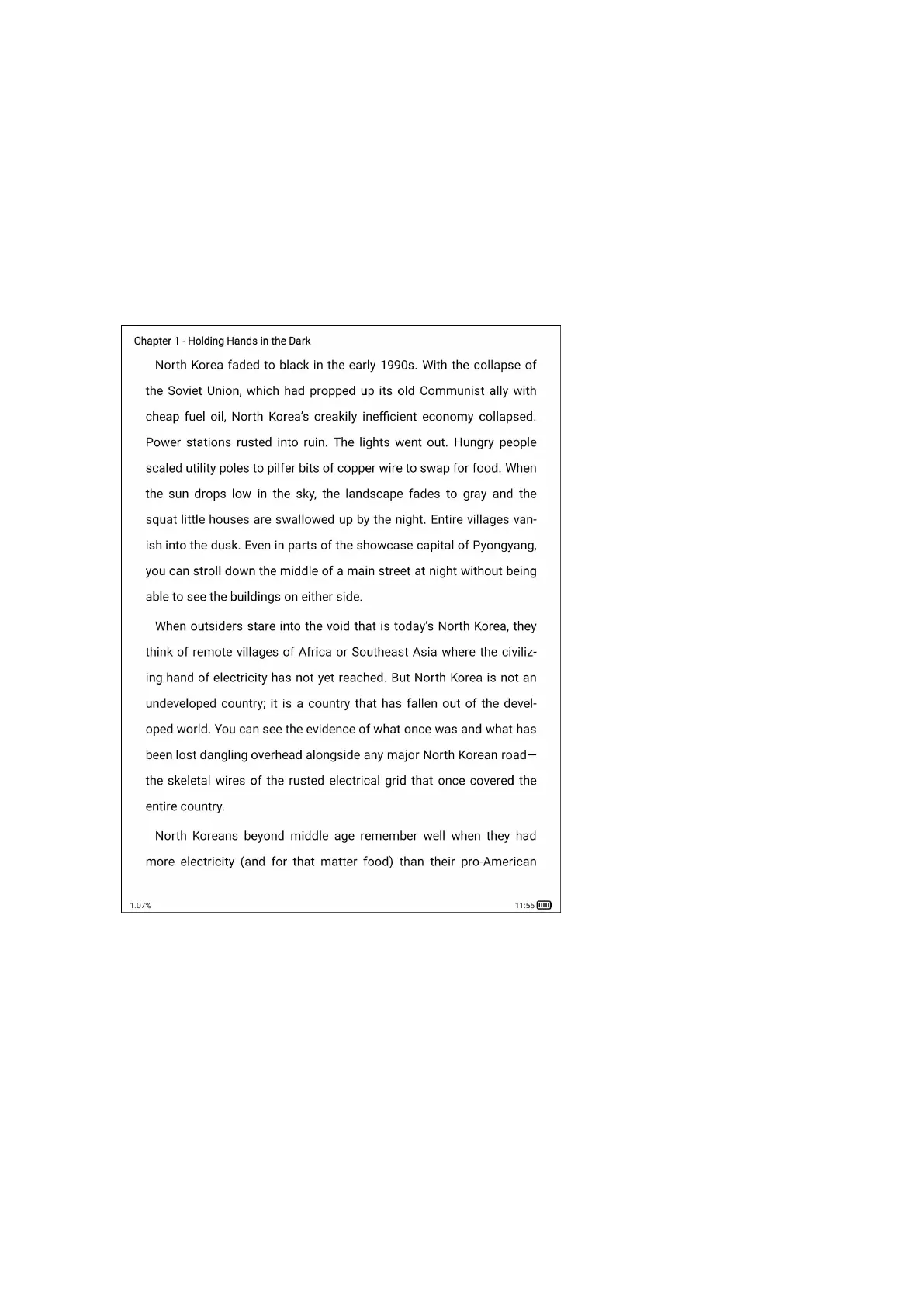
Click on the cover of any book to enter the reading interface. The default is to
display the reading area in full screen, and display the reading progress, time
and battery power at the bottom.
Tap the left (vertical) area of the screen to switch to the previous page.
Tap the right (vertical) area of the screen to switch to the next page.
Click the middle (vertical) area of the screen to bring up the menu bar.
The top menu includes: return, enable/disable handwriting, show/hide
handwritten notes, search, add/cancel bookmark, turn pages automatically,


 To Next Page