User manual of Kloud Note v2.0 www.geniatech.com
Copyright © 2021 Shenzhen Geniatech Inc, Ltd. All rights reserved.
4.3 Bookmarks
When reading a document, click in the middle of the screen, and in the pop-up
menu bar, click at the top to add a bookmark to the current page. If a
bookmark has been added, you can click to cancel.
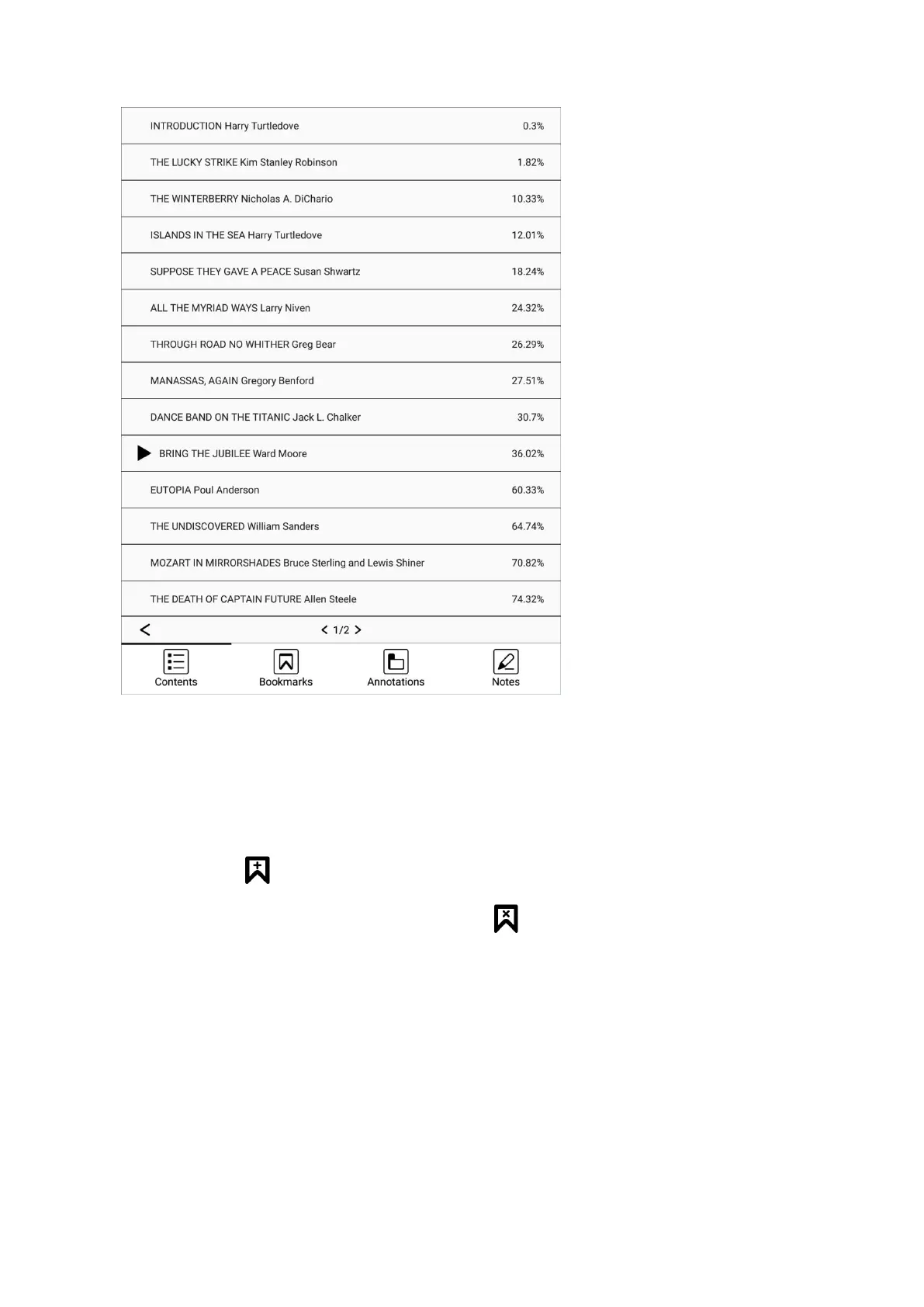
Bookmarks can be viewed uniformly on the Bookmarks page, which is
convenient for positioning and jumping. Bookmarks can be deleted on this
interface.
Click each bookmark to jump directly to the body of the page.


 To Next Page