User manual of Kloud Note v2.0 www.geniatech.com
Copyright © 2021 Shenzhen Geniatech Inc, Ltd. All rights reserved.
Refresh
Refresh the current page completely.
Previous Chapter / Next Chapter
Can quickly switch to the previous or next chapter, or drag the progress bar in
the middle to quickly change the progress.
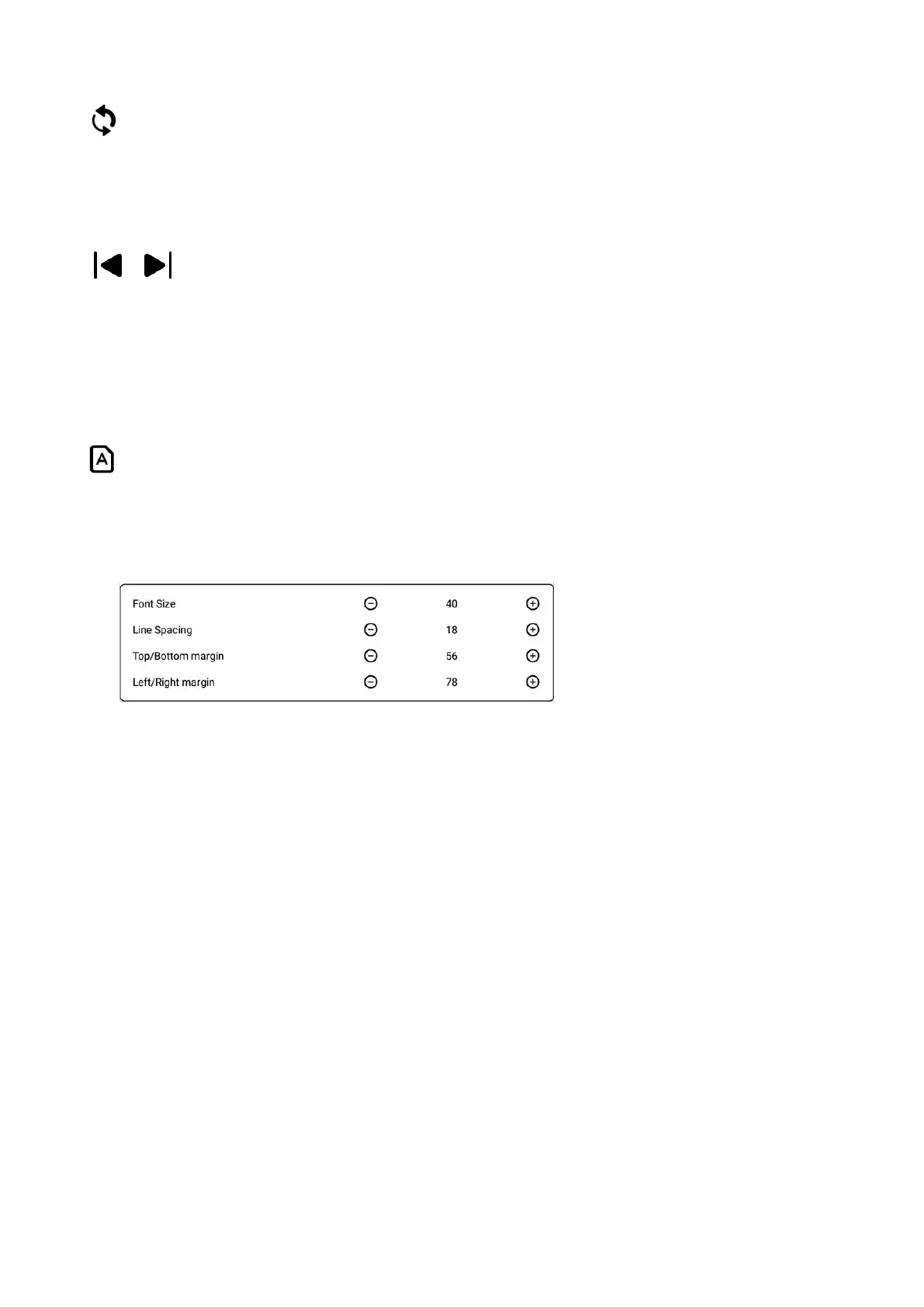
Format
The page format adjustment menu can be called out, which can adjust the font
size, line spacing, top/bottom spacing, left/right spacing.
4.2 Contents
When reading a document, tap the middle of the screen to bring up the menu
bar, and tap "Contents" in the lower left corner to view contents.
Click each category to jump to the main text of the page.



 To Next Page