__________________________________________________________________________________________ENGLISH
______________________________________________3____________________________________________________
1. HS-04U introduction
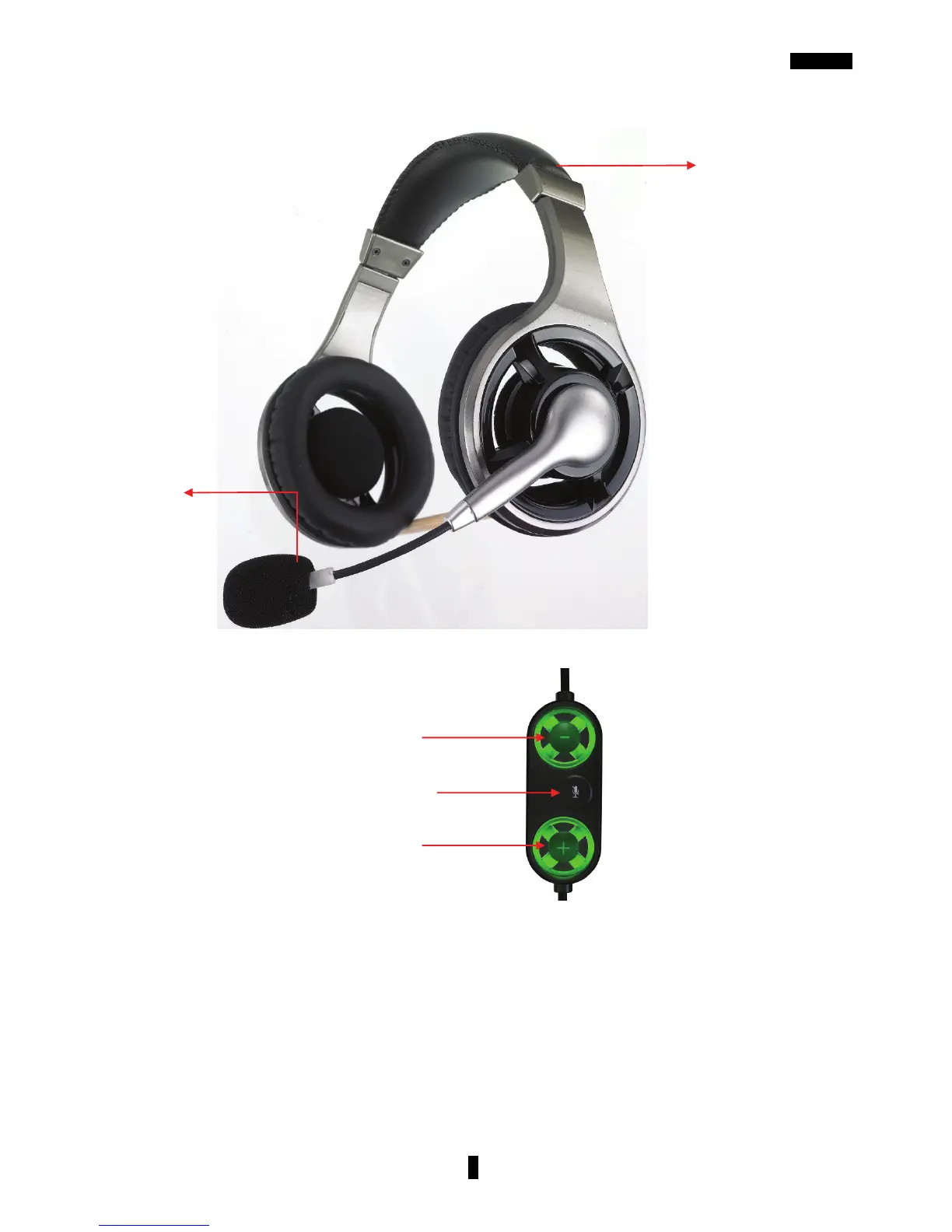
Plug the USB into your computer and system will search the USB device automatically. In the
original , the volume will show green light , once Microphone mute on , the volume button will
show red light.
Volume up
Volume down
Mic mute
Noise
canceling
Micro



 To Next Page