Pen Offset Value
When using the tablet, if you want to use a new
pen without restarting the computer, you need to
perform the “Pen Offset Value” setting.
On the “Buttons” tab, uncheck the “Auto Setting”
box to remove the former value.
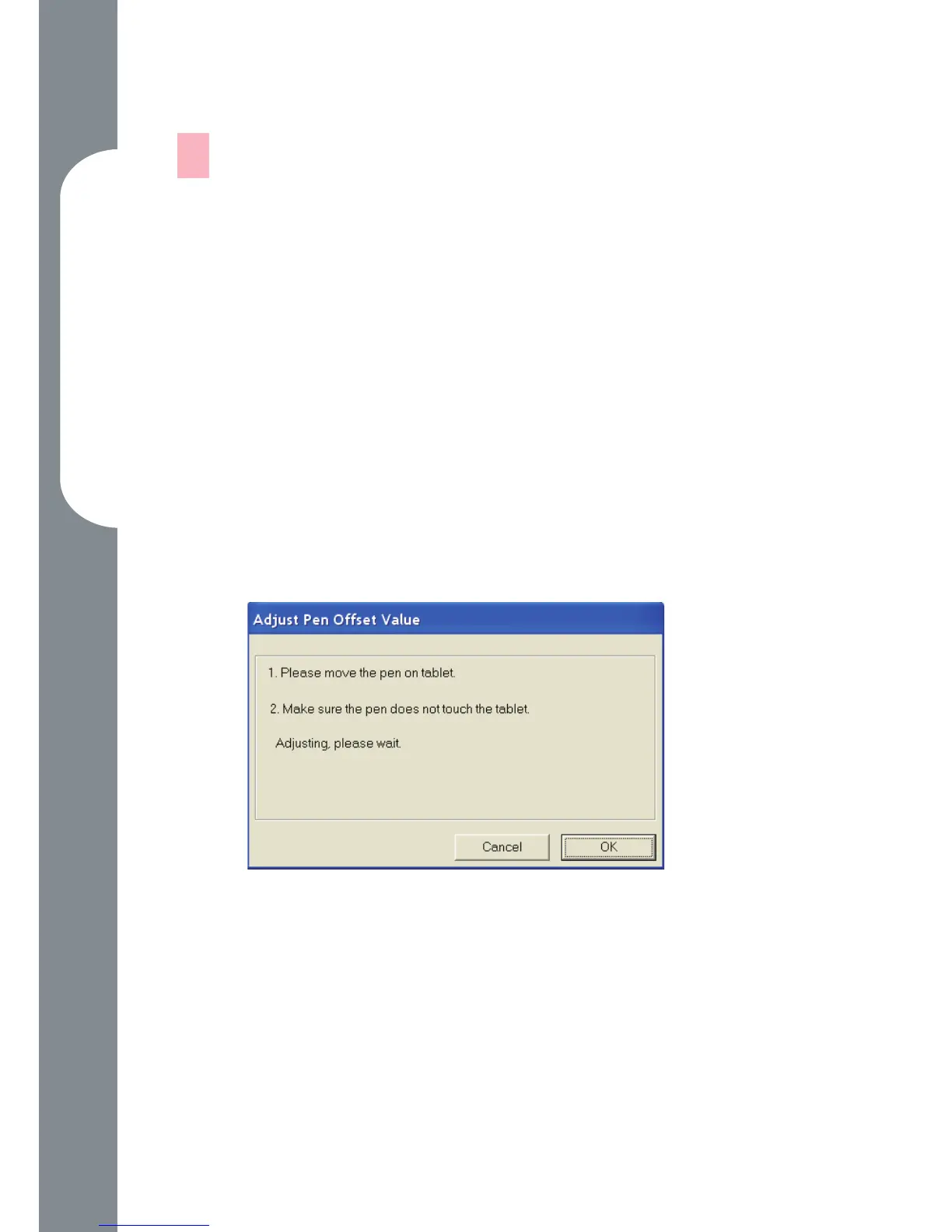
Click the “Adjust” button. Then follow the on-
screen instructions for adjustment. Tap the “OK”
button when the “OK” message appears.
Check the “Auto Setting” box for your computer to
detect the new pen offset value automatically when
restarted.
—
1.
2.
3.



 To Next Page