Click Pressure
On the “Buttons” tab, move the slider up and down
to adjust the pen pressure from 0% to 8% (0% is the
lightest, and 8% is the heaviest).
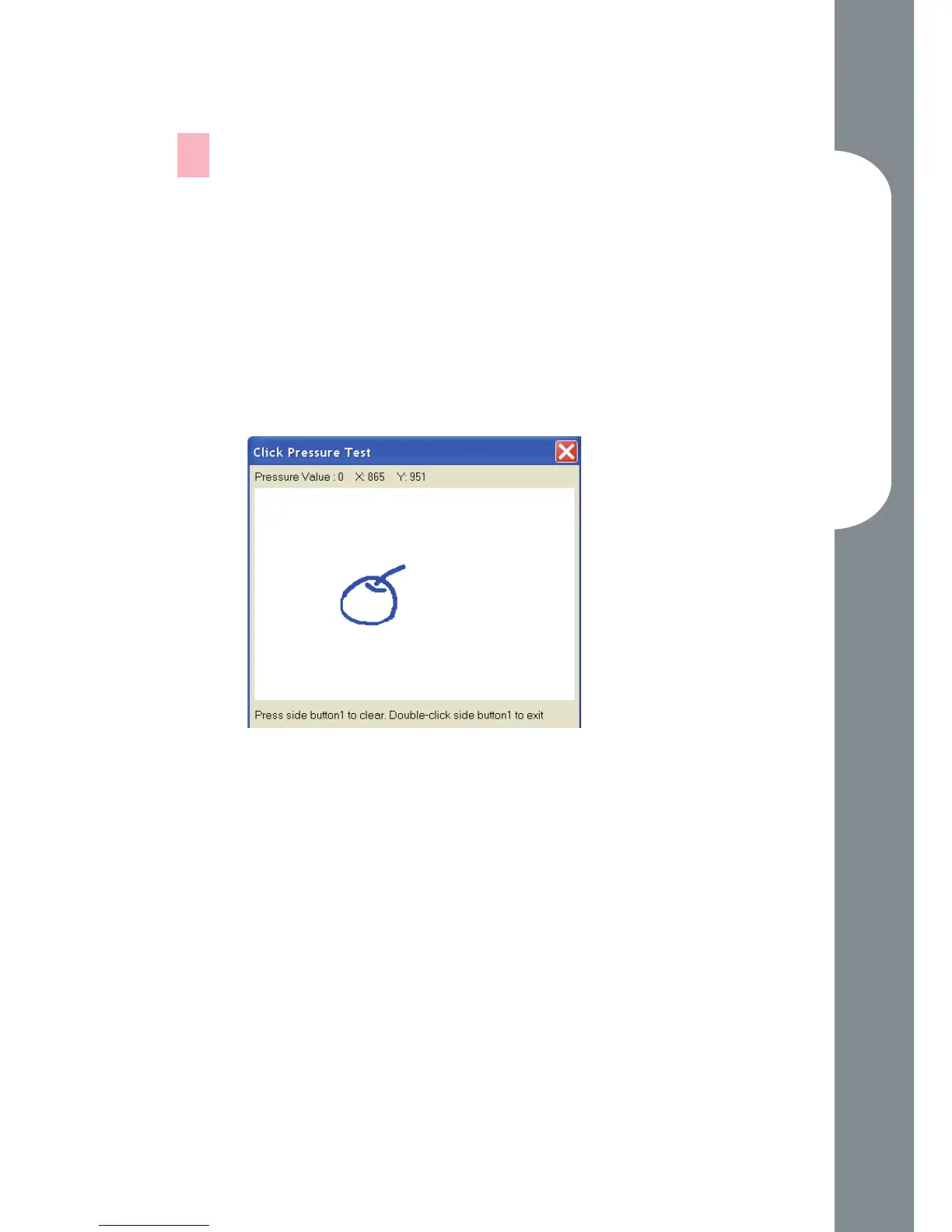
Click the “Test” button to launch the “Click
Pressure Test” writing area. Then you can test if the
setting is correct.
—
1.
2.



 To Previous Page