Chapter IV. The TWAIN Interface
Instant Descriptions
Let the mouse pointer hover over any item
within the TWAIN dialog box and a description of the
item will instantly appear. However, for more detailed
on-line information about the use and function of
specific items, you can refer to the on-line TWAIN
Help by clicking on the Help button towards the
bottom of the window.
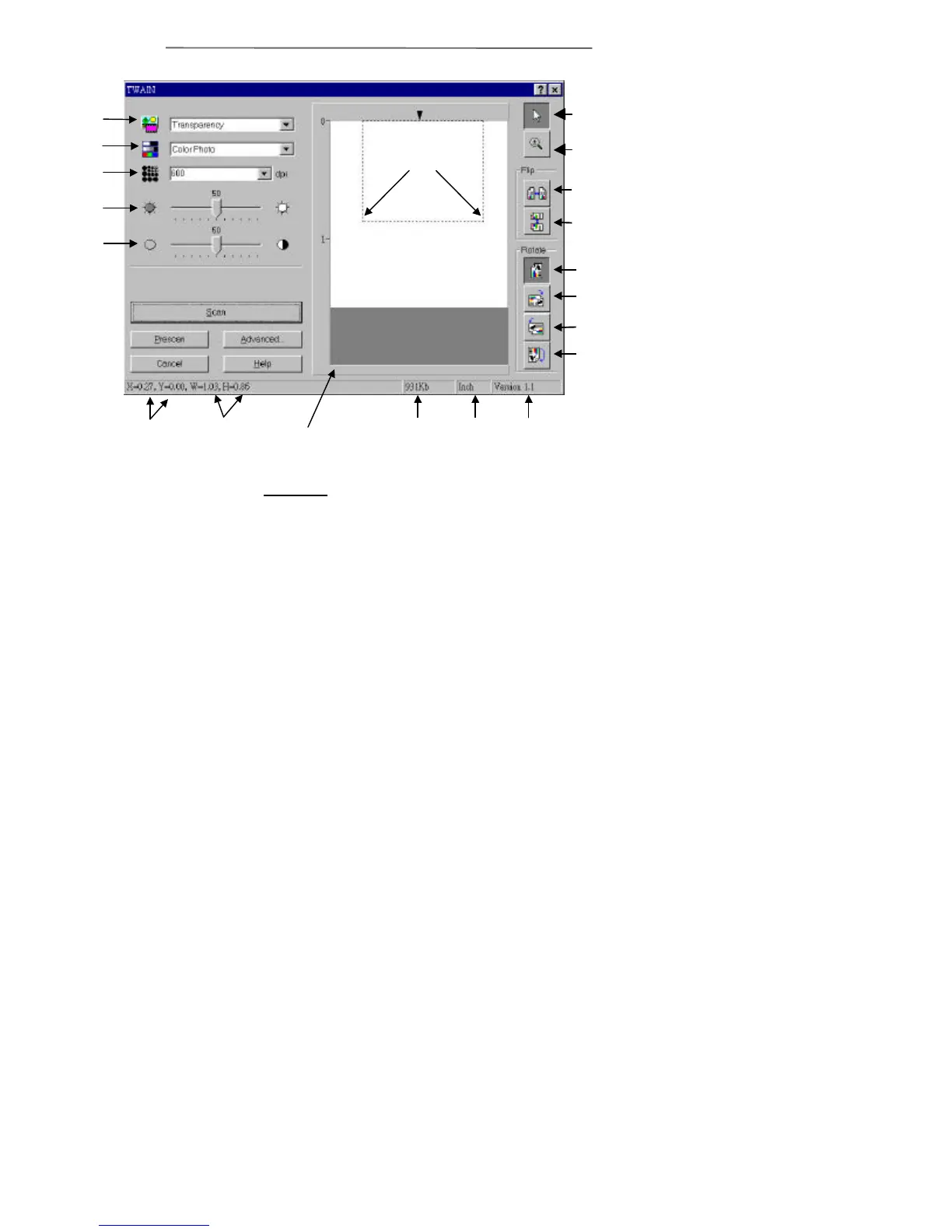
Scan Area
Coordinates
Scan Area
Dimensions
Horizontal
Prescan
90° Right
Image
Unit
Pointer
Version
Magnifying
Scan Area
Borders
Figure 8. TWAIN Window
Contrast
Vertical
90° Left
180°



 To Next Page