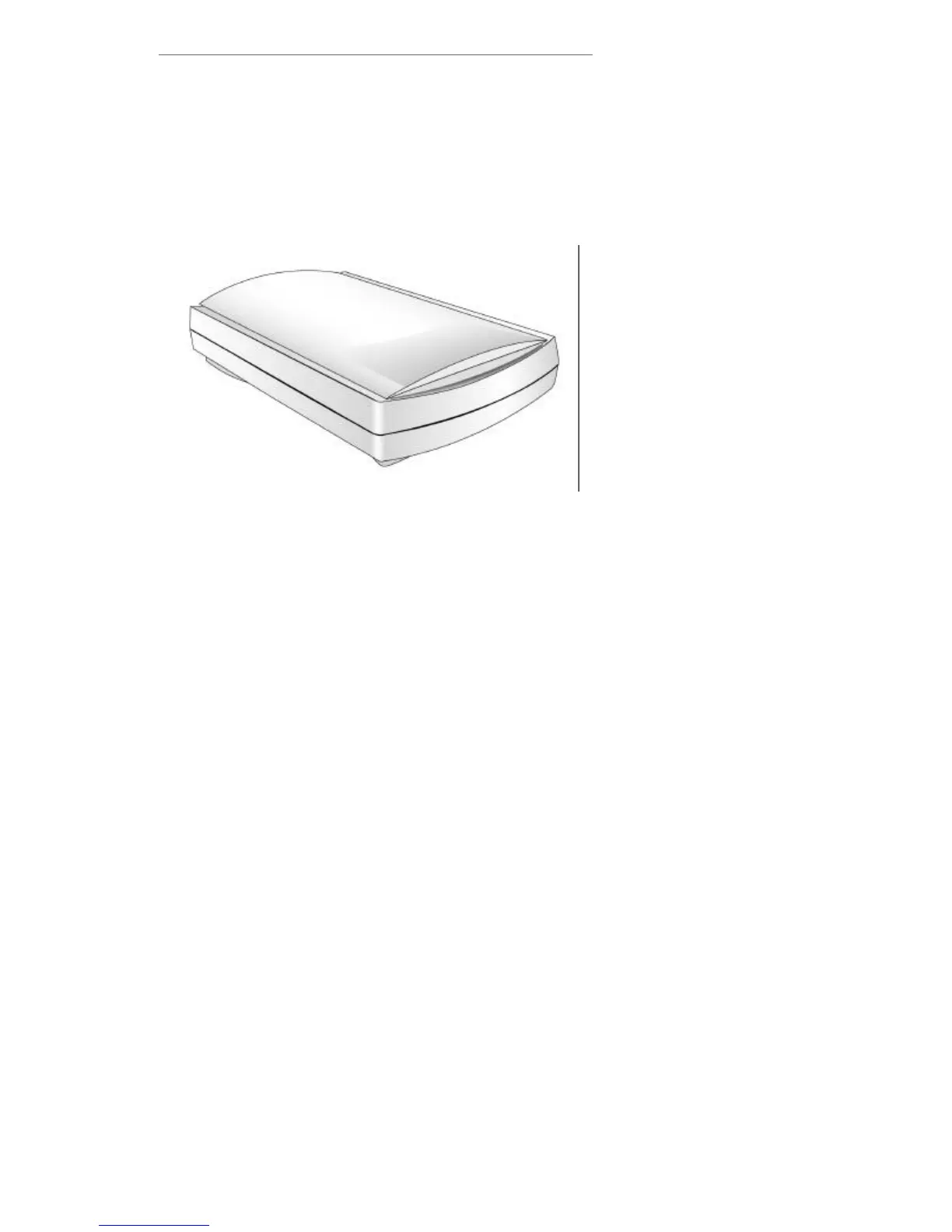
Chapter I. Hardware Installation
Before installing your scanner, verify that you
have all of the proper components. A list of the
package contents is provided in the box contents
section at the beginning of this guide.
Hardware Requirements
Your scanner uses an interface called an
Enhanced Parallel Port (EPP)or Extended Capabilities
Port (ECP). The scanner’s EPP/ECP interface allows
you to scan information into your computer as quickly
as scanners costing hundreds of dollars more do by
using interface cards. This scanner can work using
other Parallel Port Modes, however, if your computers
parallel printer port does not support EPP/ECP, then it
is recommended that you purchase an additional
parallel port interface card that does support
EPP/ECP technology to maximize the performance of
the scanner.
Installing the Scanner
Hardware
If you have already installed your scanner,
please skip this section. The following section
describes how to connect the scanner to your computer
and printer. Please carefully follow along to ensure
proper installation.
Scanner



 To Next Page