Chapter IV. The TWAIN Interface
Version displays the version of the TWAIN
program you are using.
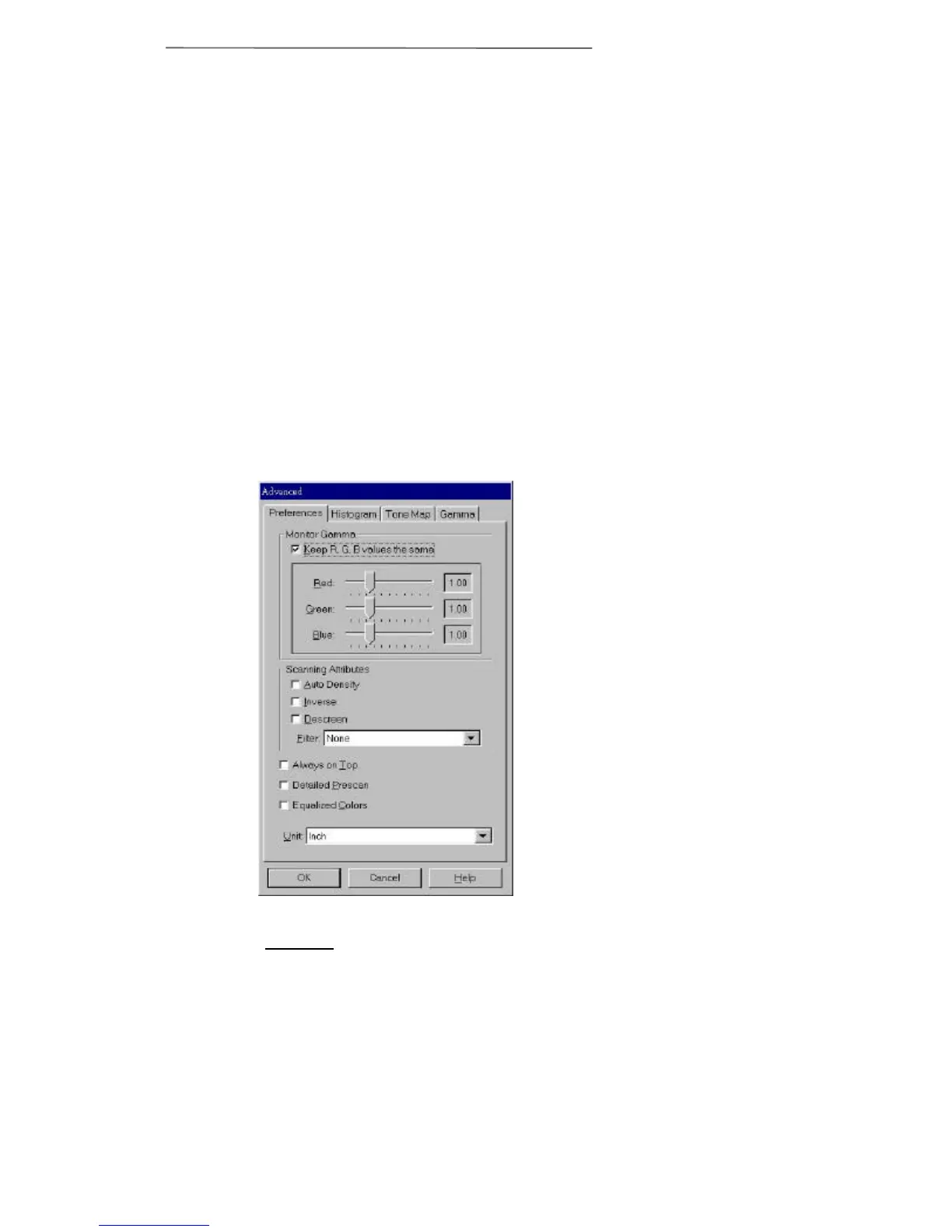
Advanced Settings Window
The Advanced Settings window (Figure 11) has
four tabs running along the top - Preferences,
Histogram, Tone Map and Gamma, all of which will
be explained in detail below. Clicking on one of the
tabs will show that Advanced window. Click on the
Help button at the bottom-right of the window to view
the on-line TWAIN help for more explanations of
features while you are using the program.
Most of the menu options are considered advanced
features. We strongly suggest that you first become
familiar with scanning and using the settings in the
TWAIN window before attempting to use any of the
following features. Many of these advanced features
Figure 11. Advanced Settings
Window



 To Next Page