Chapter IV. The TWAIN Interface
recommended when scanning any printed color
graphics, such as a page from a magazine, in order to
remove the unsightly interference patterns which may
occur.
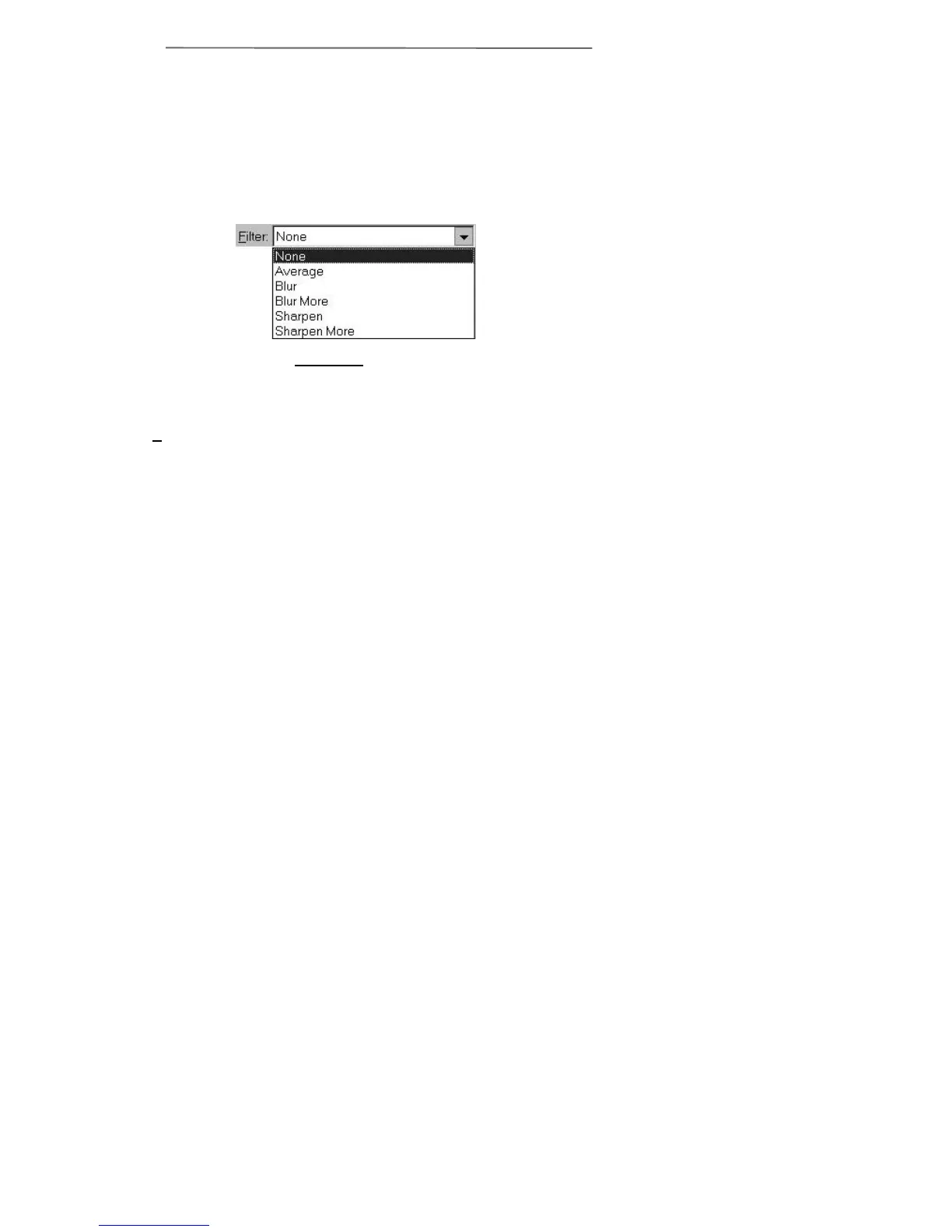
Filter
There are five filter choices located under the
Filter menu item. The filters will help you improve
your scans by allowing you to sharpen images as well
as remove excessive dots and distortion.
Average Determines the medium depth
of an image and averages
adjacent pixels to make
images appear softer.
Blur Lets you dull the edges within
an image, and decreases the
contrast by making dark
edges lighter and light edges
darker.
Blur More: Adds additional blurring.
Sharpen Allows you to sharpen the
edges within an image by
making the edges in an image
more distinct. The Sharpen
filter also increases contrast
by making dark edges darker
and surrounding light edges
lighter.
Sharpen More: Adds additional sharpening.
Always on Top
When this box is checked, the TWAIN program
will always be on top of the other windows open on
your desktop.
Figure 12. Filter Menu



 To Next Page