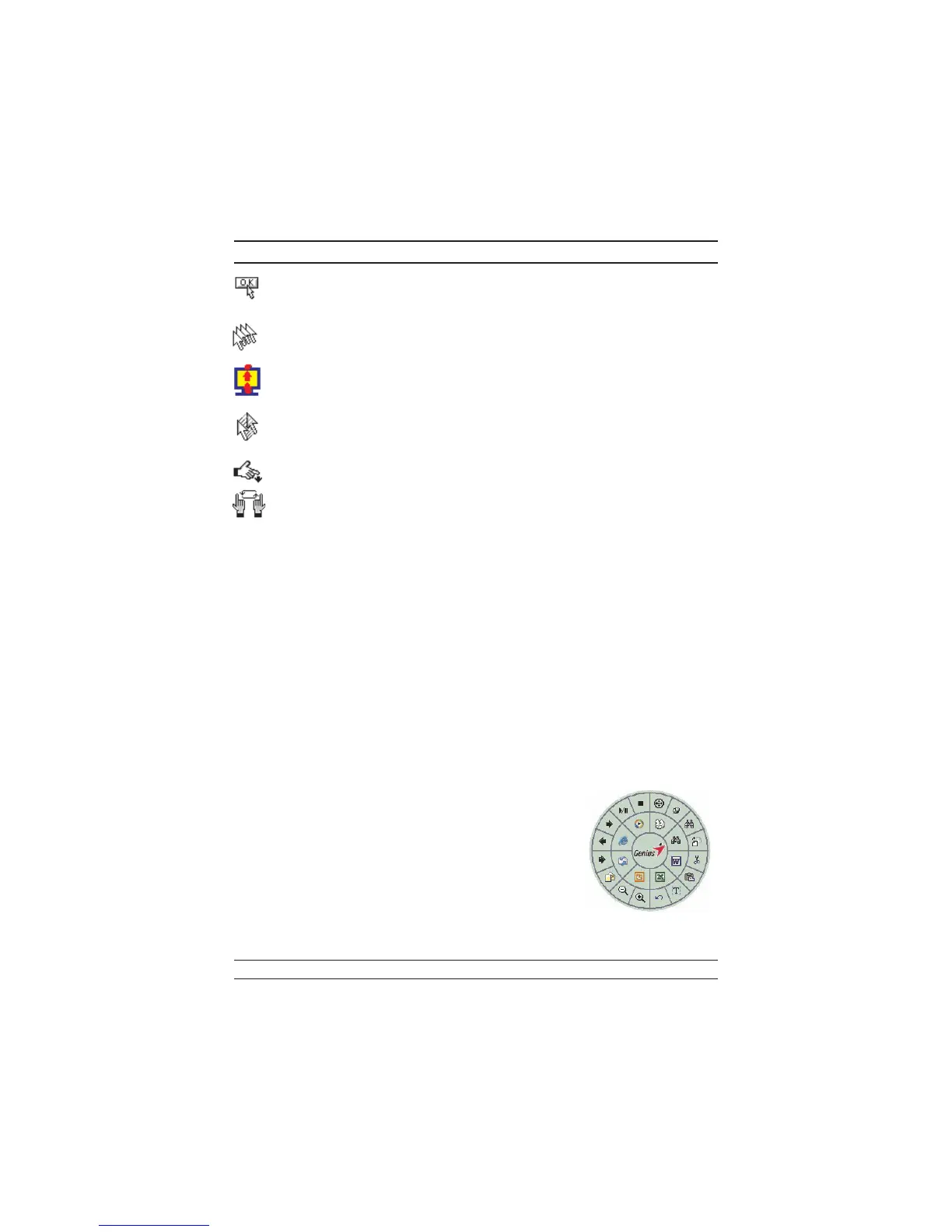
Button Find Automatically positions the cursor on the default button,
usually the OK button, when the dialog box appears on
your screen.
Trails This option makes it easier to find the cursor when using
an LCD monitor. This option cannot be used if your
monitor does not support it.
Loop When you move the cursor to the top (or bottom) of the
screen, it will automatically move the cursor to the bot
-
tom (or top) of the screen.
Mouse Speed This function lets you adjust the speed at which the
pointer moves across the screen.
Double Click
Speed
Use this function to set the double click speed of the
mouse.
Swap Left/Right Select this option if you want to have the mouse operate
with the right mouse button as the primary button.
Pointers Folders This lets you change the shape of the cursor.
Office Mode Only supports Microsoft Office along with some new ap-
plications. Features include zoom, scrolling and Auto-
scrolling features. It’s similar to Microsoft’s IntelliM-
ouse.
Genius Mode Supports all applications that use scrollbars, including Of-
fice, with zoom, Auto-panning, and scrolling functions.
About Click here to open the Genius Homepage “www.genius-
net.com.tw”
Orientation This function lets you set the angle when you move the
mouse upward. It gives you a more comfortable angle
when holding the mouse. This function works best with a
portable trackball.
EasyJump
“EasyJump” now has two working modes: Office Easy
-
Jump mode and Traditional EasyJump mode.
“Office EasyJump” lets you use eight commonly used
applications and 16 Cyber functions more easily and
quickly.
Once you press the button you assigned, “Office Easy
-
Jump” will be displayed on a Frisbee. Note that the func
-
tions are only available in the applications they belong
to.
4


 To Next Page