13
STARTING UP THE GENERATOR
Remove the load from all output ends;
1.
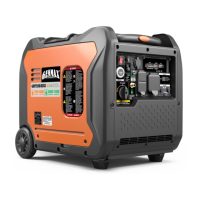
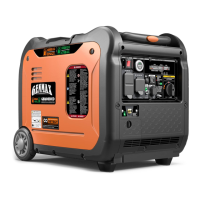
GM5500i Startup Procedure
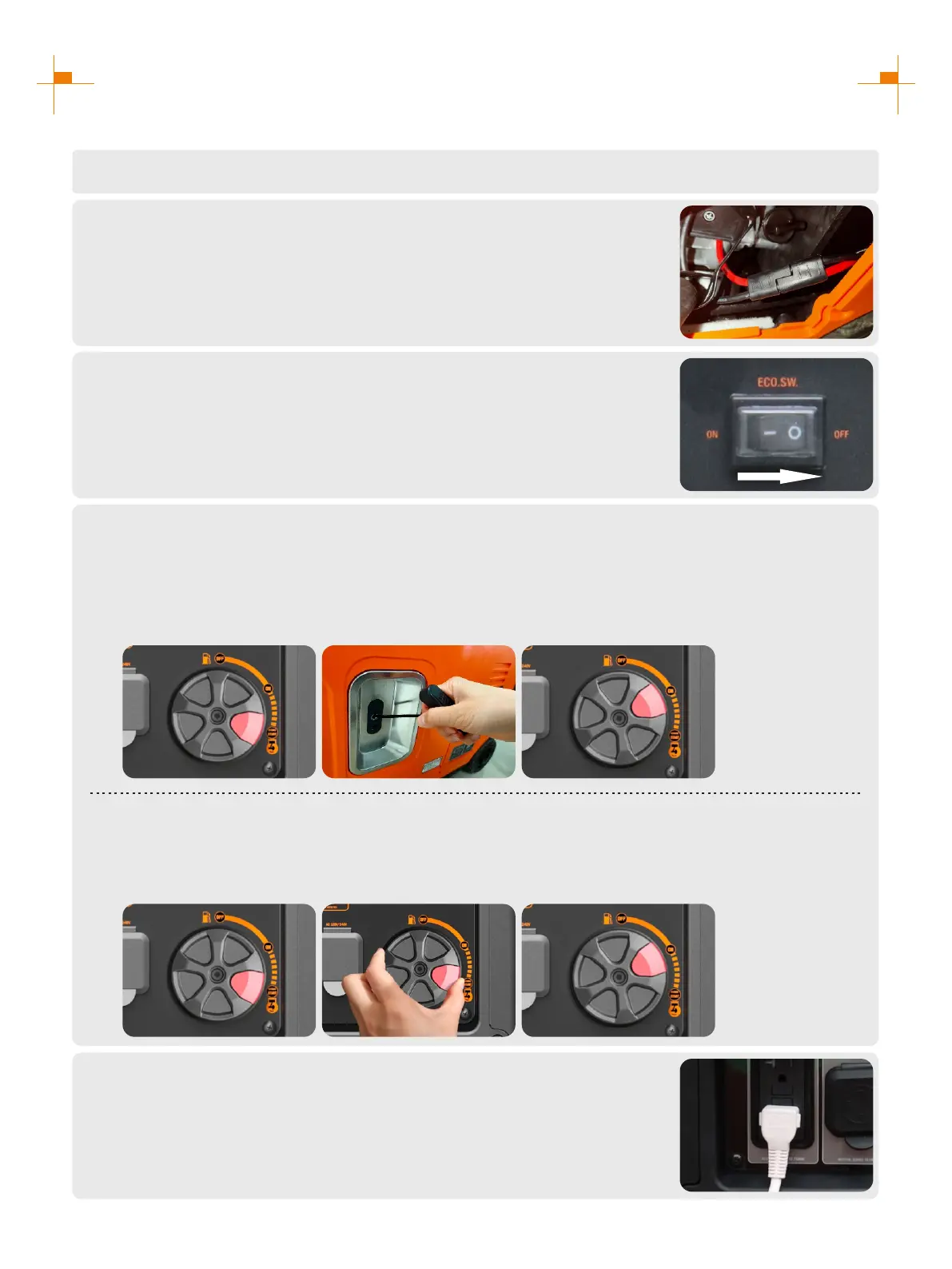
Connect battery line before first use:
1. Open the oil maintenance cover;
2. Connect the positive and negative electrodes of the battery.
2.
Press the ECO switch to "OFF";
3.
Select boot Mode:
a. Hand Starting:
1. Turn engine switch to "START";
2. First gently pull startup handle, until guy cable is hooked tight, and then pull it with effort;
3. After the generator starts, turn the four-in-one switch to "ON".
4.
Plug in after started.
5.
b. Electrical Starting :
1. Turn engine switch to "START";
2. Press the red button for 3-5 seconds and release;
3. Then flip the four-in-one switch to "ON".
1. 2. 3.
1. 2. 3.


 To Next Page