3. Assemble the power supply
Insert and twist clockwise to clip the pins to the
power supply. You will hear a small ‘click’ when
the two lock correctly.
4. Plug it in
Put the plug into a mains socket and insert the black
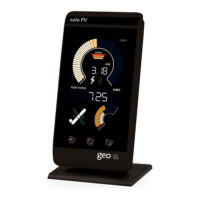
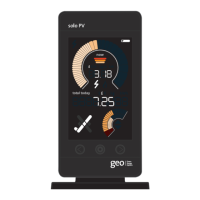
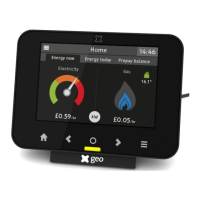
power cable into your monitor. The monitor will light
up and ask you to enter the correct year, month, day
and time. Use the
a
and
c
buttons to change values
and the
¡
button to save.
Now you are ready to start using your monitor. You
may want to set the monitor for your particular tariff
and budget, please see the frequently asked
questions for help with this.


 To Next Page