1.4.14
CARRYING OUT A MEASUREMENT CHAPTER 4
GEODIMETER SYSTEM 600
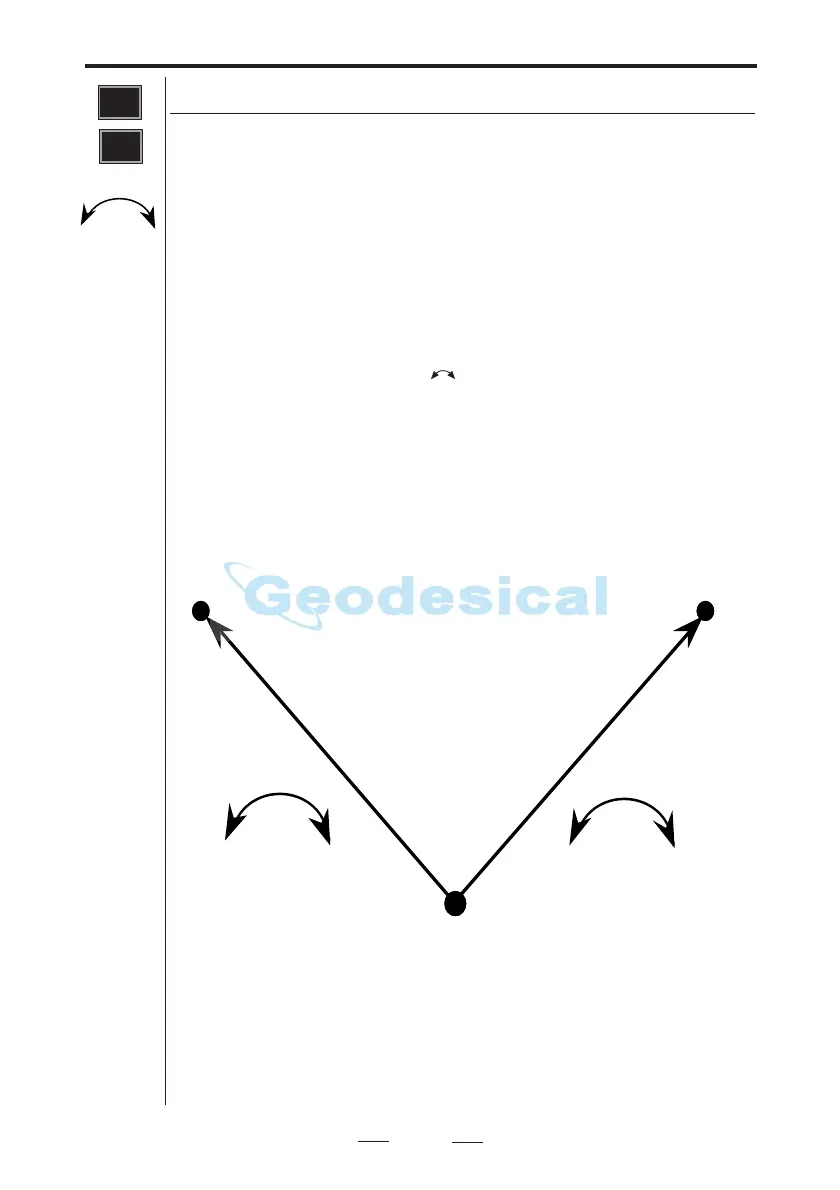
Two-face angle measuring, Program 22 (only servo)
When using program 22, all you need to do is to locate the
targets one time in C1. When all targets are located and
stored in your internal memory, you are able to select the
measuring mode in which you want to work: Standard or D-
bar mode. Now the instrument's servo motors will do the
rest. The instrument will rotate and point directly in CII
against the first registered target, you will then make the
necessary fine adjustments and registrations by pressing the
A/M-key in front. For rotation to CI, depress the A/M- key
for a couple of seconds or .
Note that this program can only be used when using the
instrument as a total station (not for robotic surveying).
A
B
Stn
C2 + C
C2 + C
PRG
22
C2 + C


 To Next Page