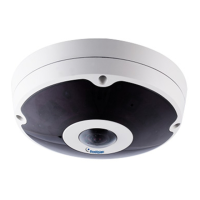
PT Camera
227
22
22.3.2 L-Shaped Wall Mount
You may wall-mount the GV-PT series with or without the mounting cover.
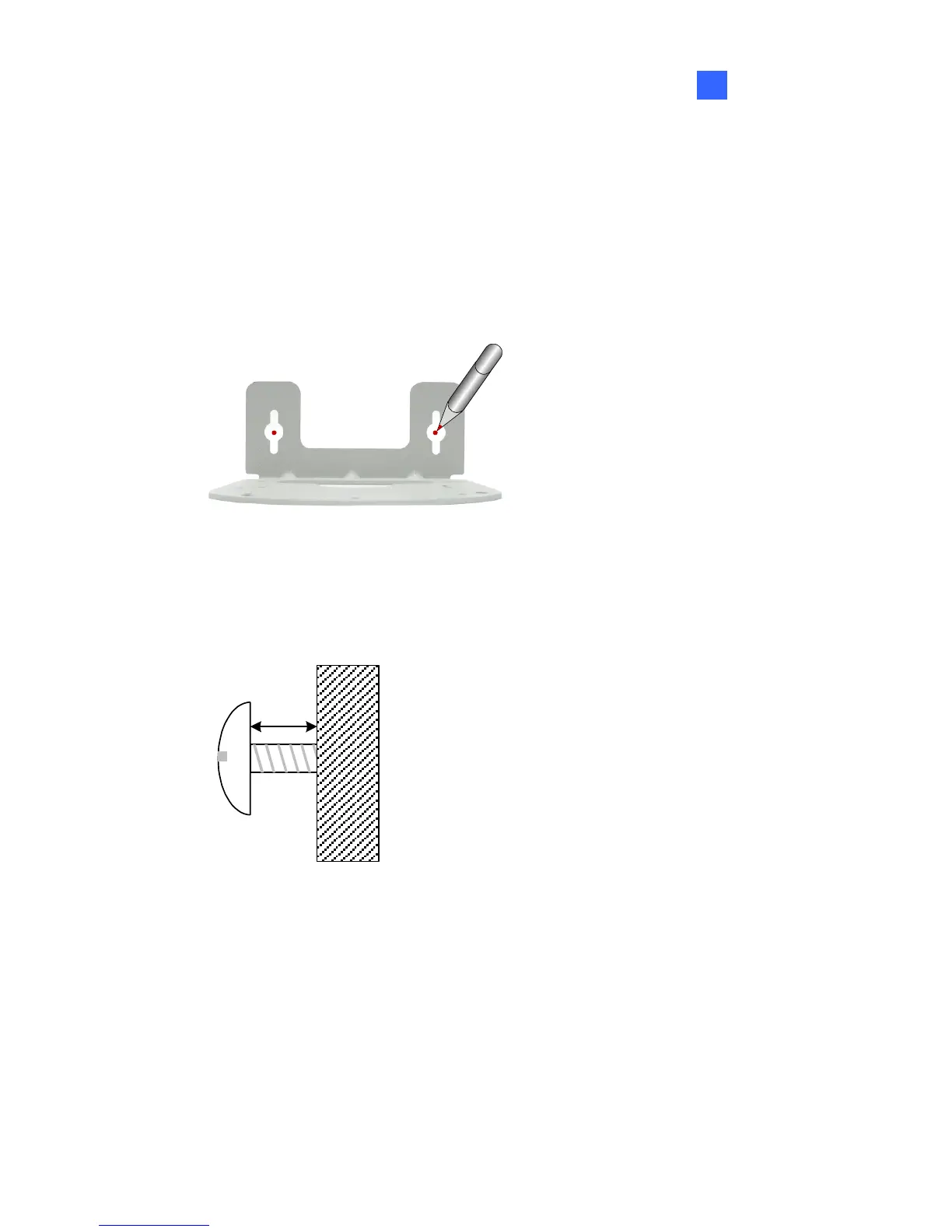
1. Take the wall mount bracket and make 2 marks on the wall for screw
anchors.
wall
2. Drill the marks and insert 2 screw anchors.
3. Insert the long screws and leave enough distance (approximately 2
mm) to hang the wall mount bracket later.
Wall
2 mm
Long
Screw


 To Next Page
 Loading...