22
Vapodest 45s
5 Turn on apparatus and operation
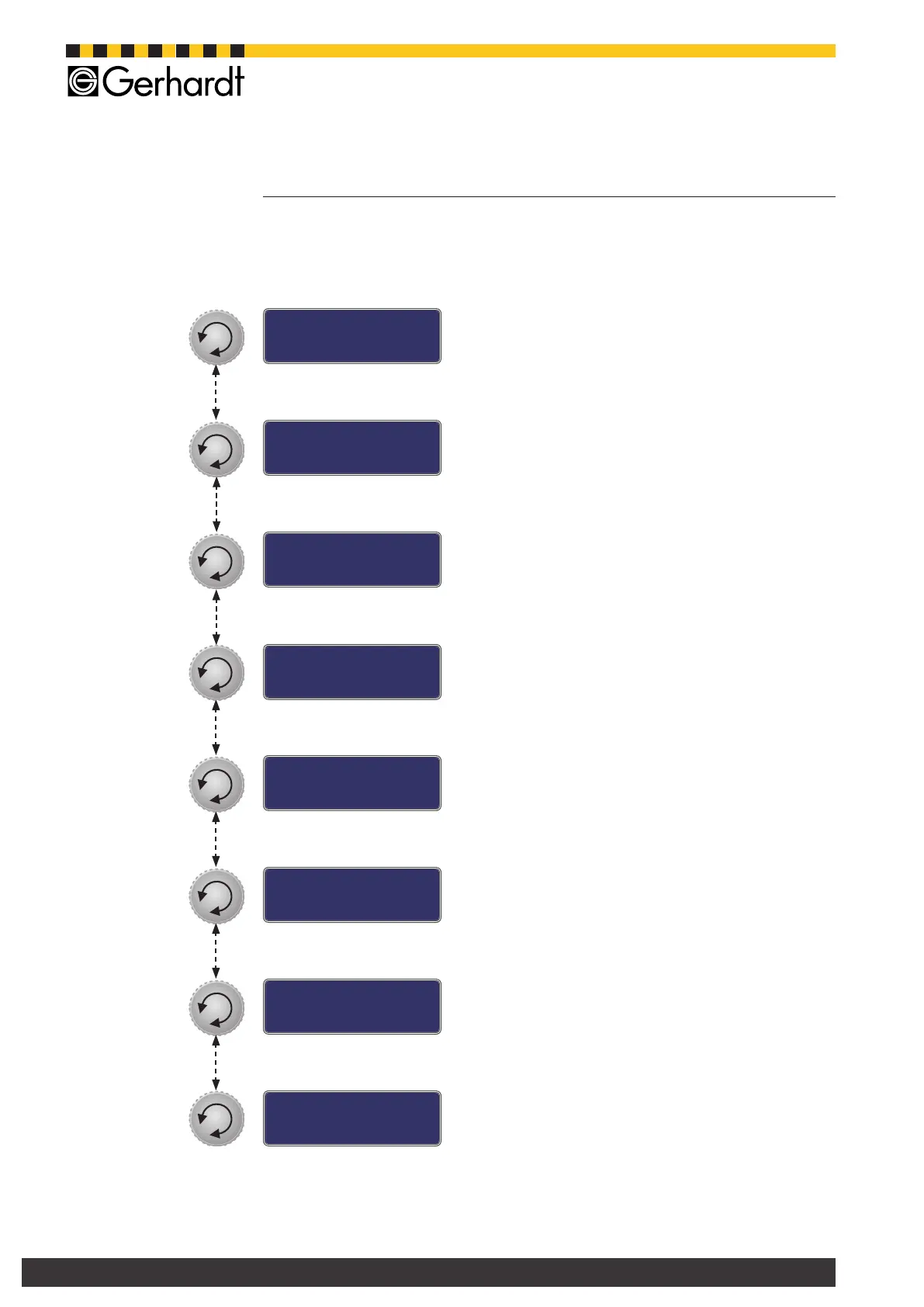
5.3. Main menus Vapodest
From the initial menu you get to the main menus by turning the multi functional
push button.
- Initial window
Will always show up when starting the Vapodest
- Run method
Start programmed method for analysis.
For detailed info please see in chapter "8. Exe-
cution of method".
- Create a method
Create and administrate up to 20 methods.
For detailed info please see in chapter "7. Edit
methods".
- Language
Select system language.
For detailed info please see in chapter "6.1. Se-
lection of languages".
- Titration
Settings for titrations with titrator
For detailed info please see in chapter "6.5.
Titration".
- Contrast
Setting the contrast of the display.
For detailed info please see in chapter "6.2.
Contrast".
- Reagents
Set level sensor in tank and calibrate pumps.
For detailed info please see in chapter "6.3. Re-
agents".
- Service
Statistical information about e.g. total analysis time,
total time that pumps worked
For detailed info please see in chapter ‚6.4. Ser-
vice’.
Vapodest 45s
Standby
Method
Execution
Method
Edit
Language
Contrast
Reagents
Service
Vap45s 1.1
Titration



 To Next Page