P.24
Operating Instructions
4.Ventilation Mode
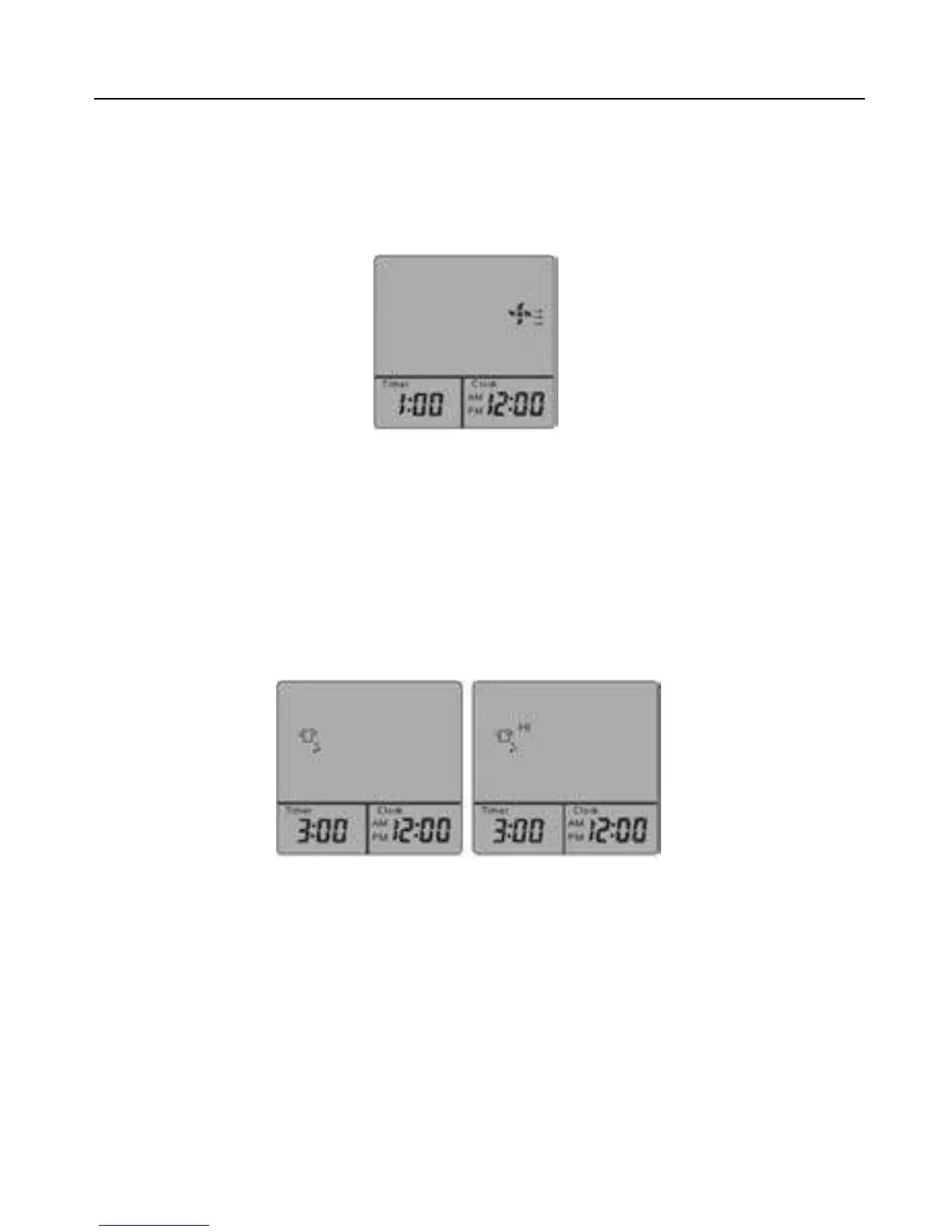
Ventilation Mode starts by pressing “VENT”. Press another time, “VENT” is turned off. The preset
time is 1 hour, the appliance will automatically go off in 1 hour. You can change timer setting by
pressing ”+” or “ –“ . Every single press changes setting by 15 minutes. The longest time setting is 3
hours, while the shortest is 30 minutes. (It can be switched off by pressing “VENT” or “STOP”.)
5.Dehumidification Mode
Single press “DRY” button,
low
Dehumidification Mode will turn on (Fig. c). Press one more time,
high
Dehumidification Mode will start (Fig. d). Press for the third time, Dehumidification Mode will
stop. T
he preset time is 3 hours, the appliance will automatically go off in 3 hours
. You can
change timer
setting by pressing ”+” or “ –“ . Every single press changes the setting by 15
minutes. The longest
setting is 6 hours, while the shortest is 30 minutes. (It can be switched off
by pressing “DRY” or “STOP”.)
(Fig. c
) (Fig. d
)



 To Next Page