P.23
Operating Instructions
User manual for remote control:
1.Clock setting: LCD screen displays “AM12:00” after putting in the batteries (AAA x 2). “:” blinks
once per second. Press “CLOCK” to set the time by pressing “+” or ”-“. Press “CLOCK” to complete
setup.
2.AUTO Mode
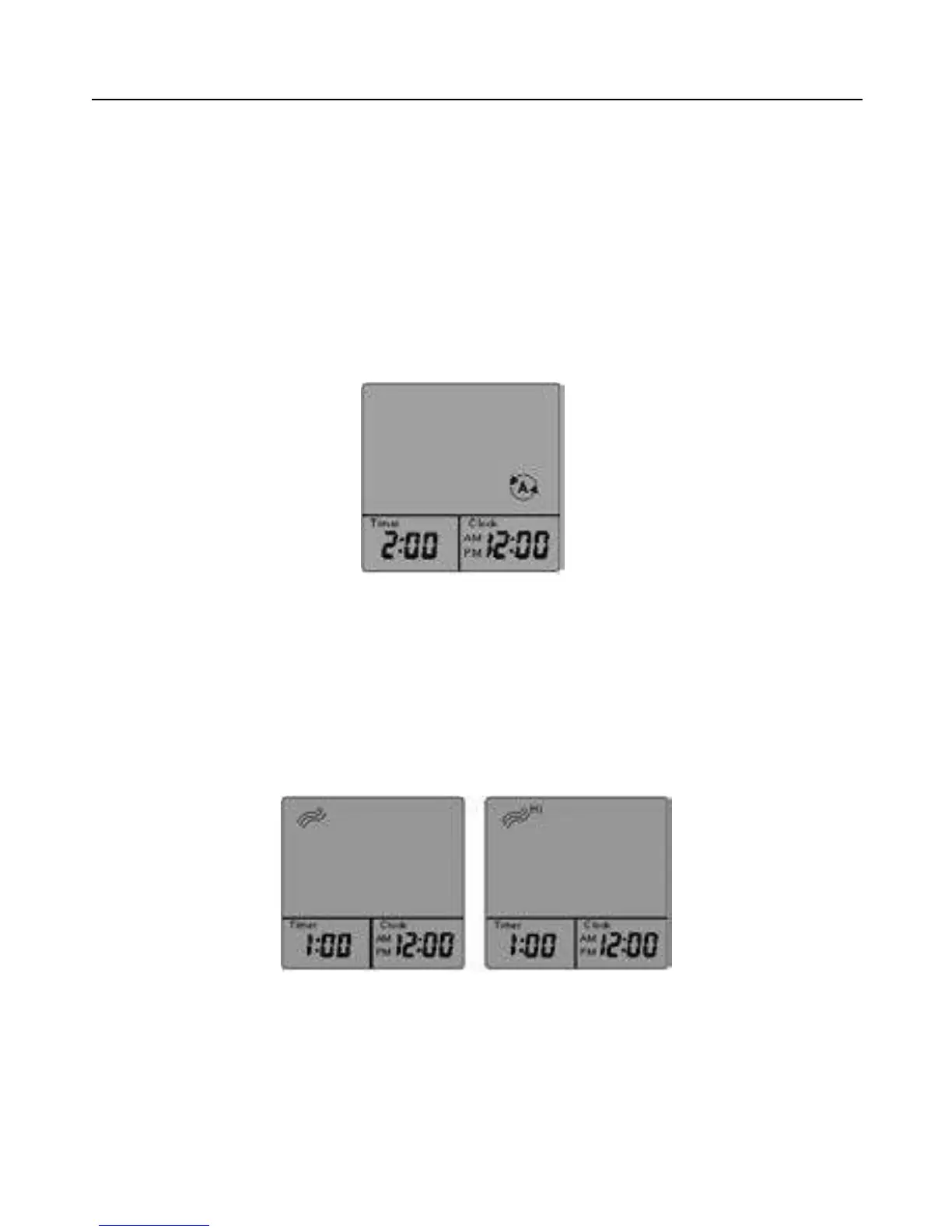
Press “AUTO” and the appliance works automatically (as shown below). Time is set to 2 hours. The
appliance will work for 25 minutes under such mode, and will automatically vent for 5 minutes. After
running the cycle 4 times, the appliance will turn off automatically. (You can stop it by pressing
“AUTO” or “STOP”.)
3.Heat Mode
Single press “HEAT” button, low HEAT Mode will turn on (Fig. a). Press one more time, high Heat
Mode will start (Fig. b). Press for the third time, Heat Mode will stop. The preset time is 1 hour, the
appliance will automatically go off in 1 hour. You can change timer setting by pressing ”+” or “ –“ .
Every single press changes the setting by 15 minutes. The longest time setting is 3 hours, while the
shortest is 30 minutes. (It can be switched off by pressing “HEAT” or “STOP”.)
(Fig. a) (Fig. b)



 To Next Page